
How to use the Humanize feature
The Humanize feature helps your content sound more natural. Follow the tutorial to learn how to humanize content.
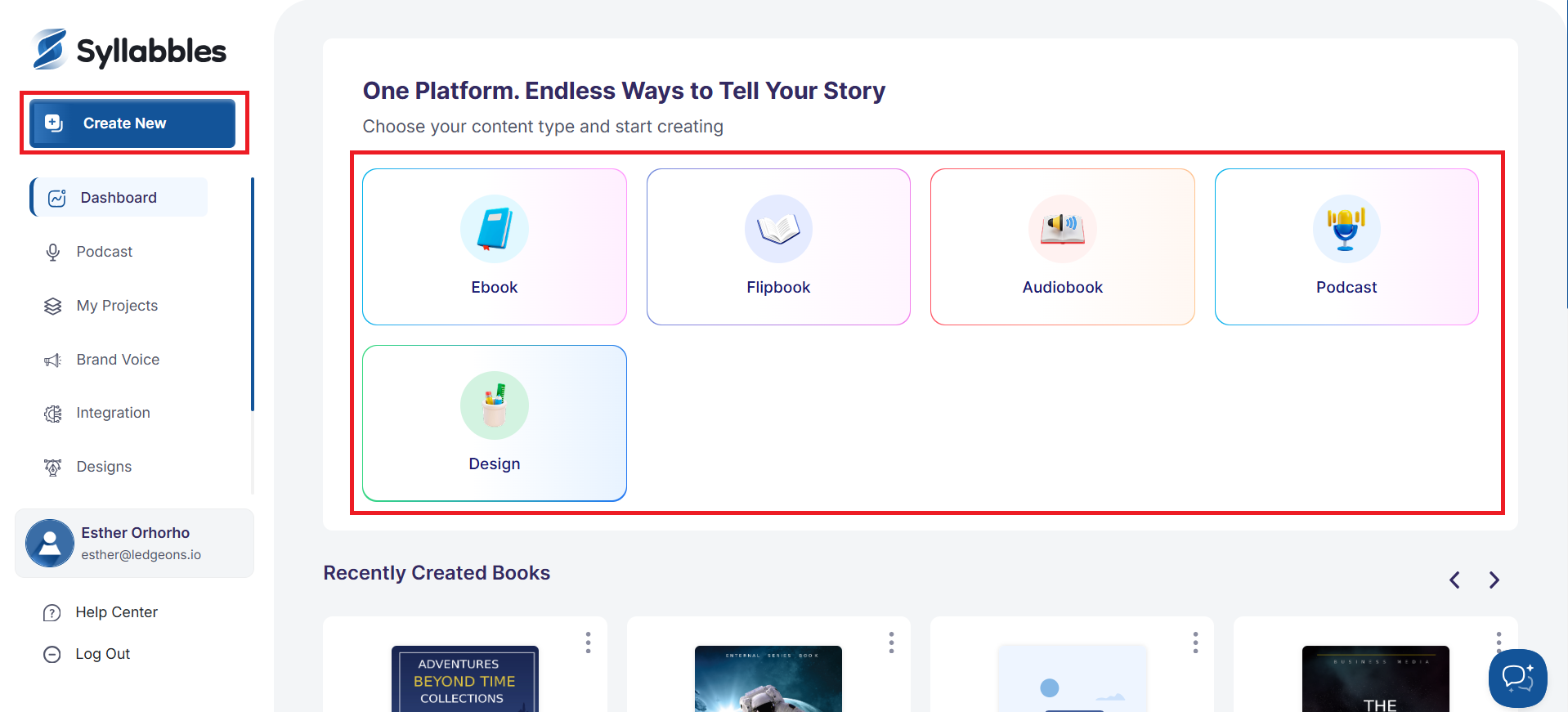
From the Dashboard, select Select any content source or click on the Create New button.
Add or generate your text.
Then, check the Humanize Content box.
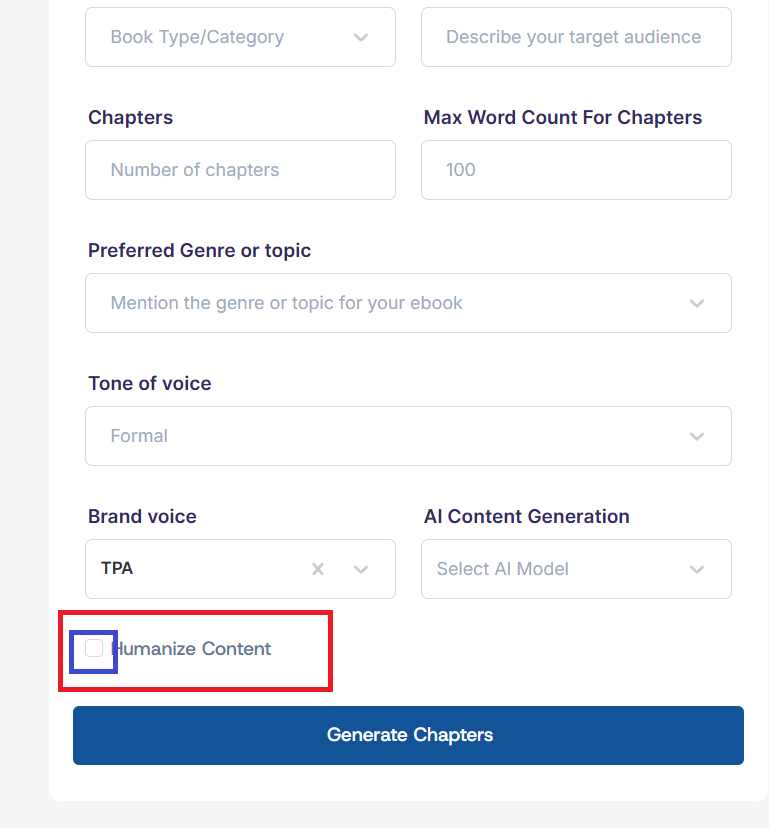
Click on the Generate button to get a more natural and human-style version.