How to connect your DeepSeek Key
Connecting your DeepSeek API key gives you direct access to DeepSeek’s powerful AI features. This tutorial will guide you step by step to link your key and start using DeepSeek effortlessly.
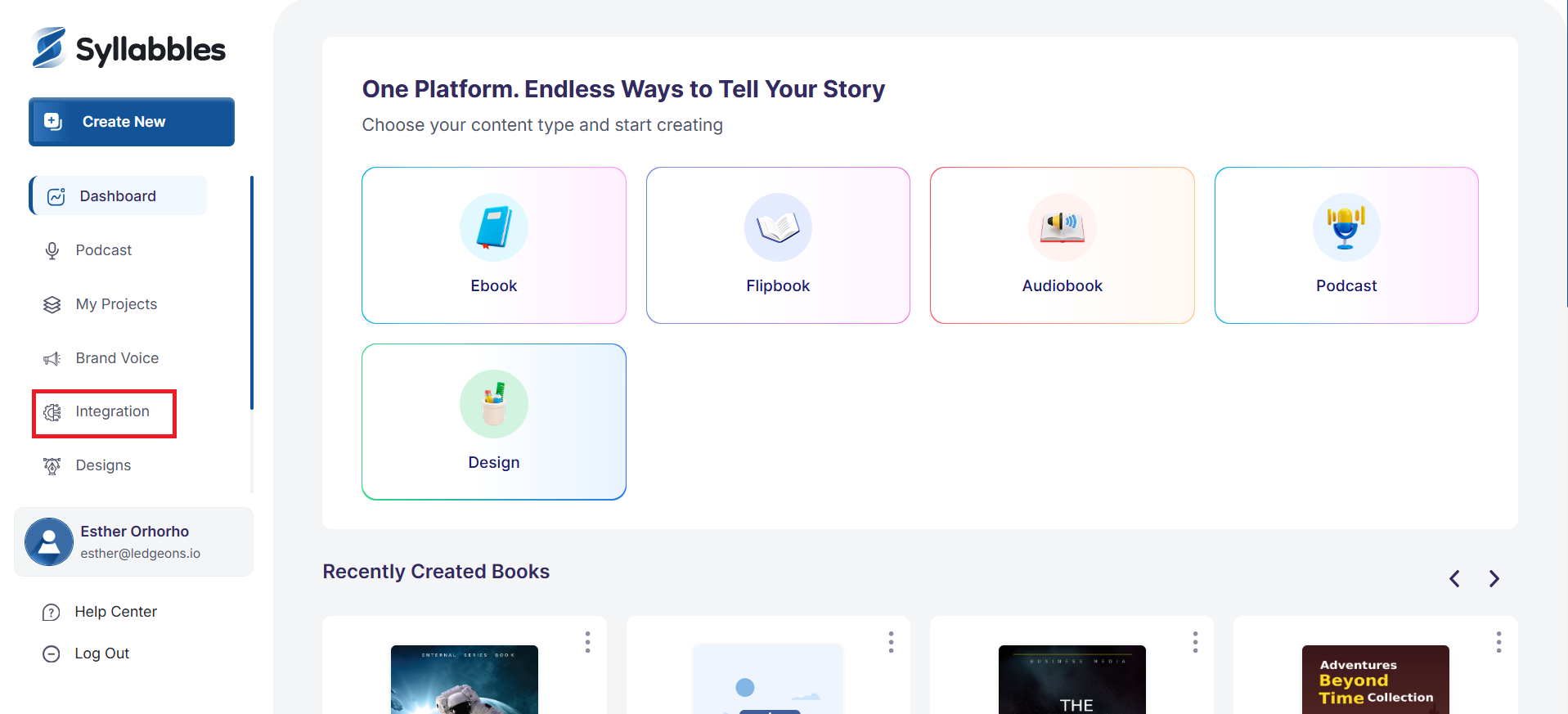
From the Dashboard, select Integration on the left side menu.
Click on the DeepSeek button.

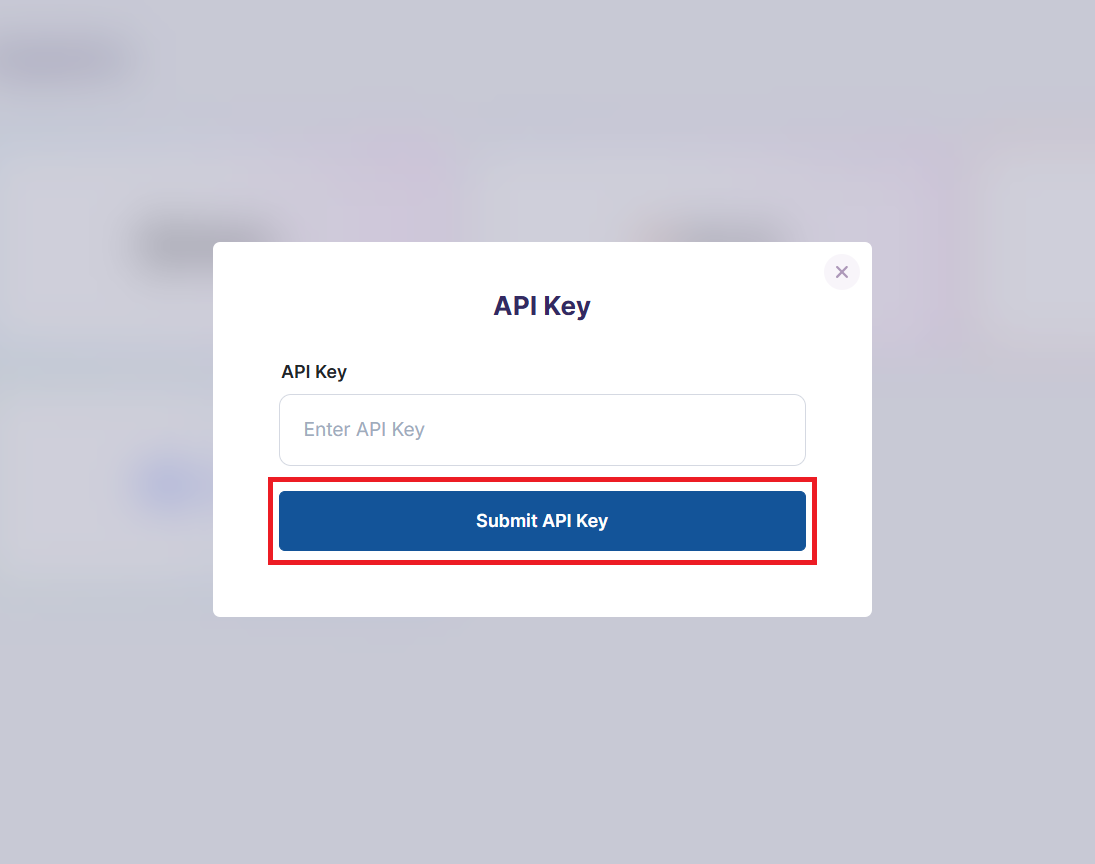
You would be required to enter your DeepSeek API key, after you have entered it, click on the Submit API Key button. Your Deepseek account would then be integrated successfully.