How to add/generate/edit covers
Your cover is the first thing readers notice, and Syllables makes it easy to create one that stands out. This tutorial walks you through how to add, generate, and edit covers to give your project a professional and captivating finish.
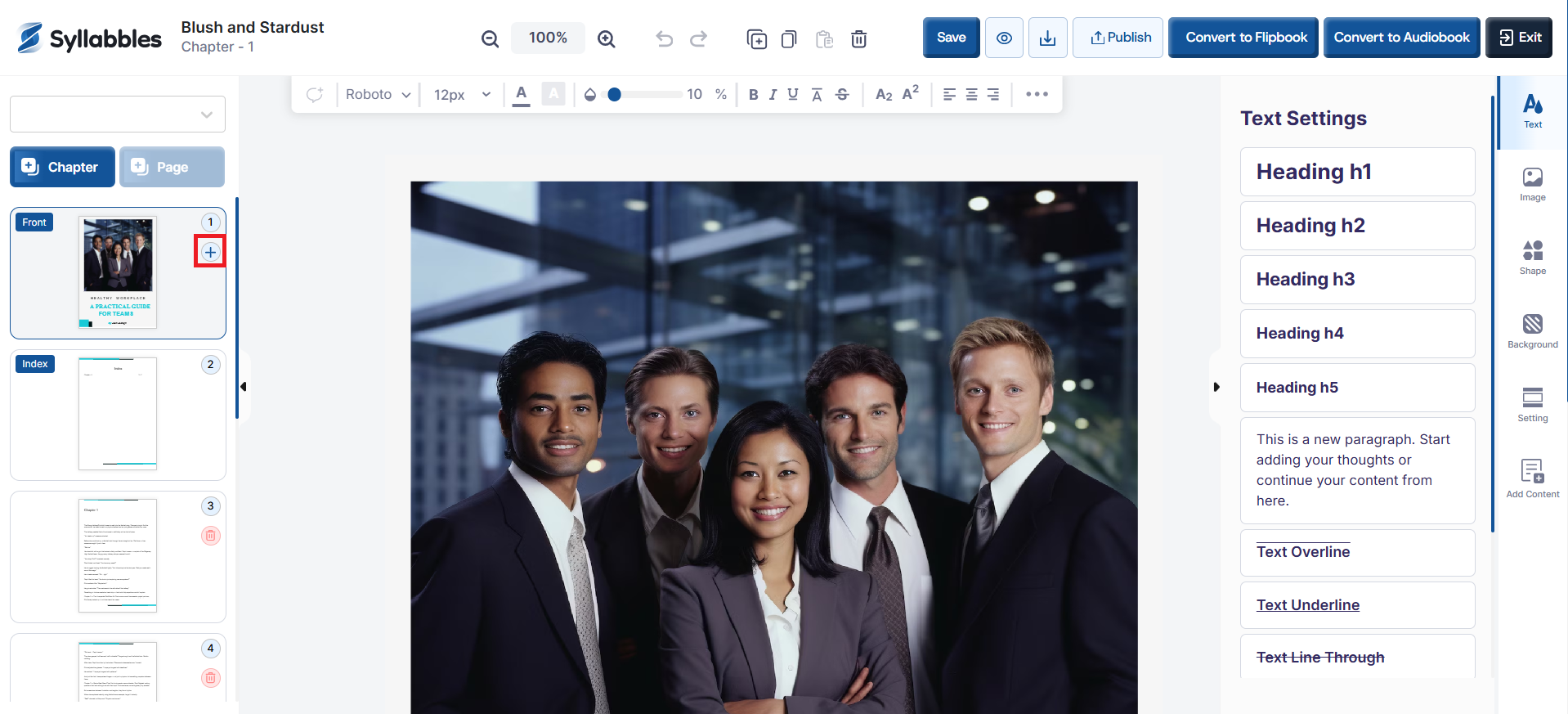
After loading your project in the editor, you’ll notice that the first and last pages are labeled “Front” and “Back” to indicate the front and back covers.
Click the (+) icon on the page labeled “Front”
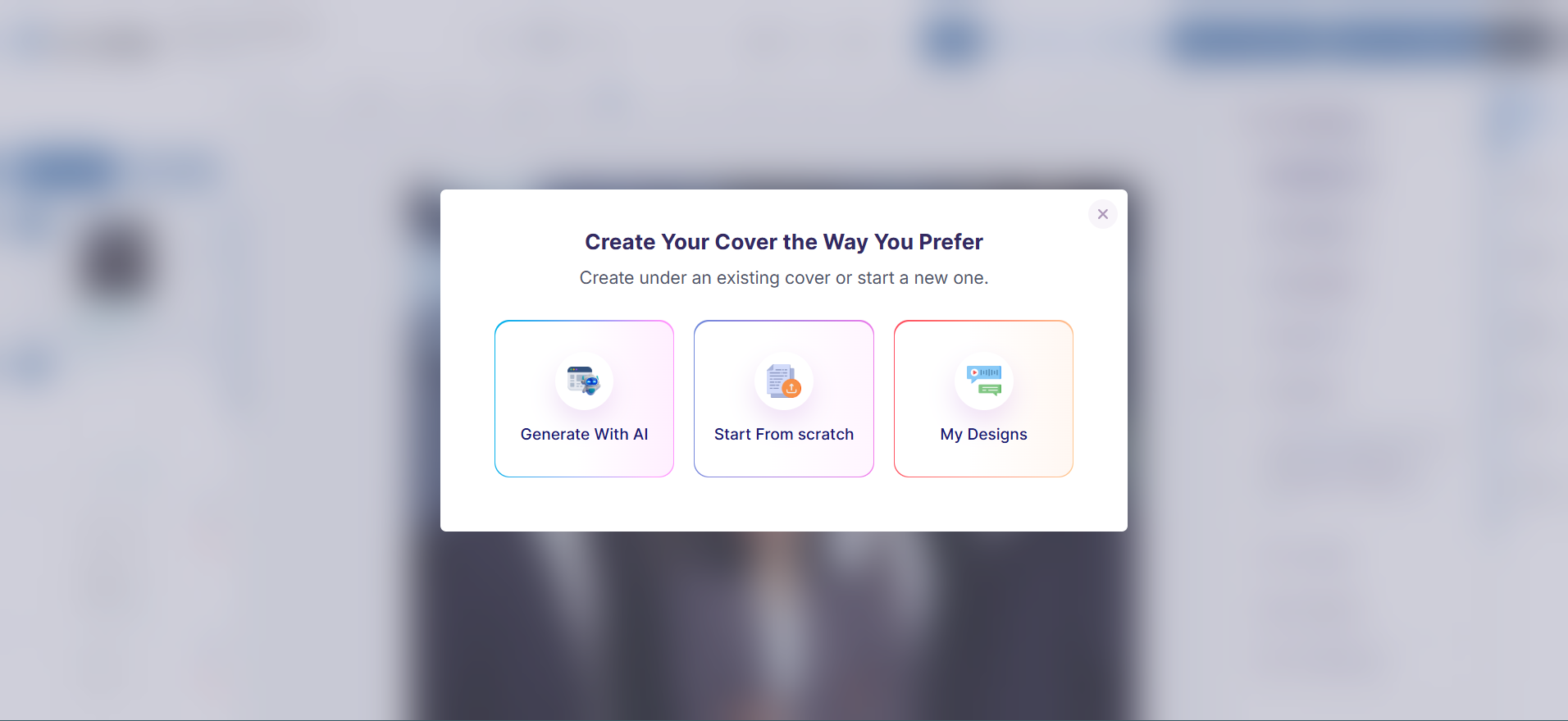
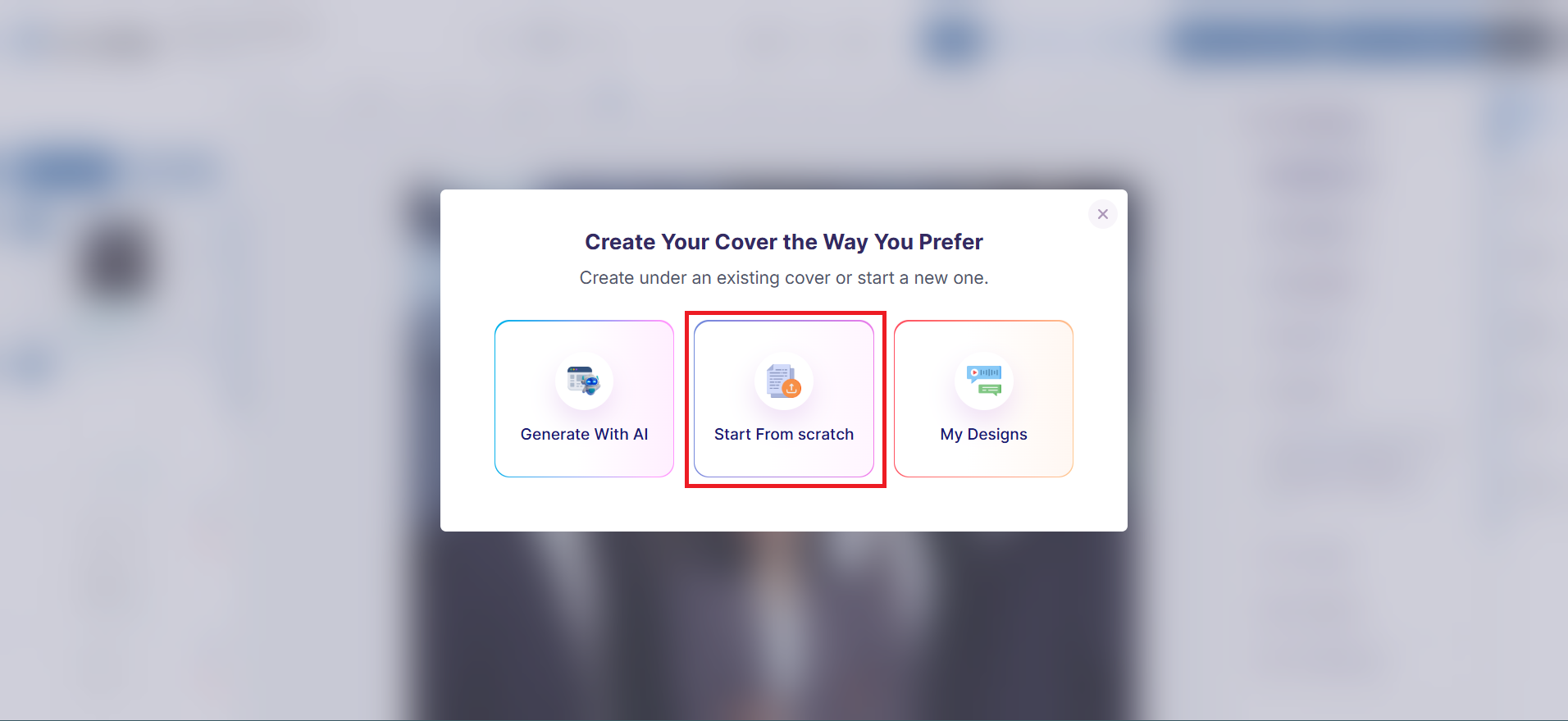
Then you can select the options to either Generate with AI, Start From Scratch or Upload a design.
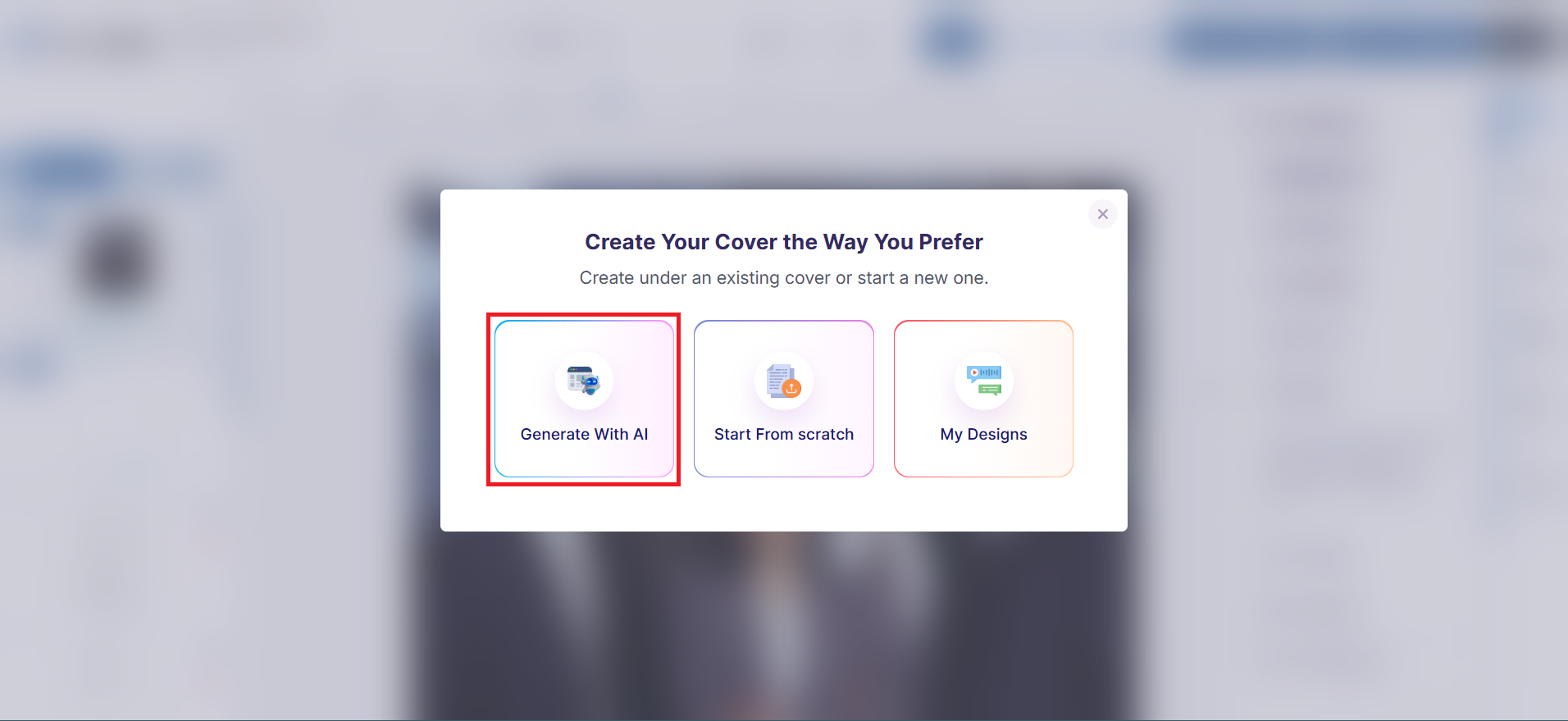
Generate With AI
To generate your cover with AI, select the Generate with AI option
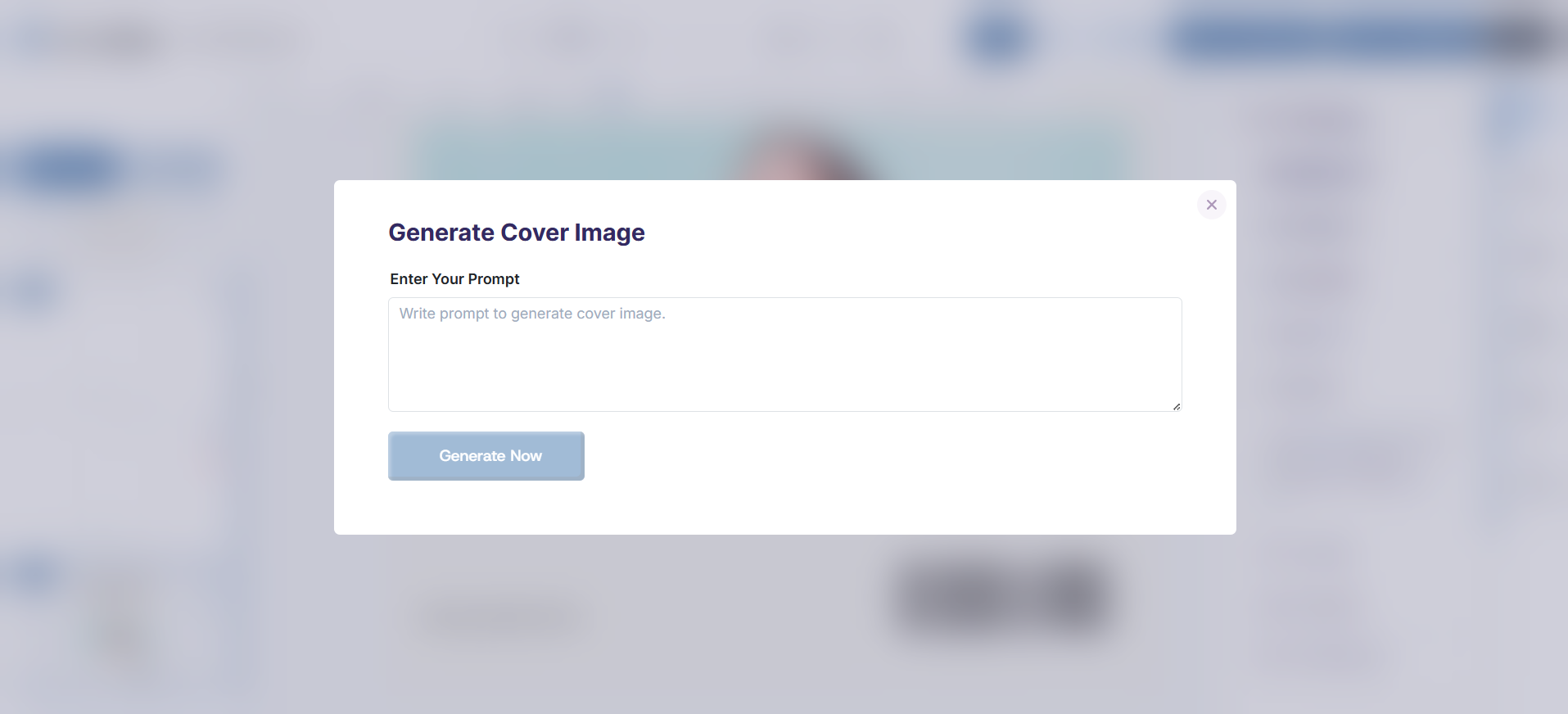
You'll be required to enter a prompt to help generate the image, then click the Generate Now button.
Ensure that the prompt is very descriptive, so the AI can generate something great.
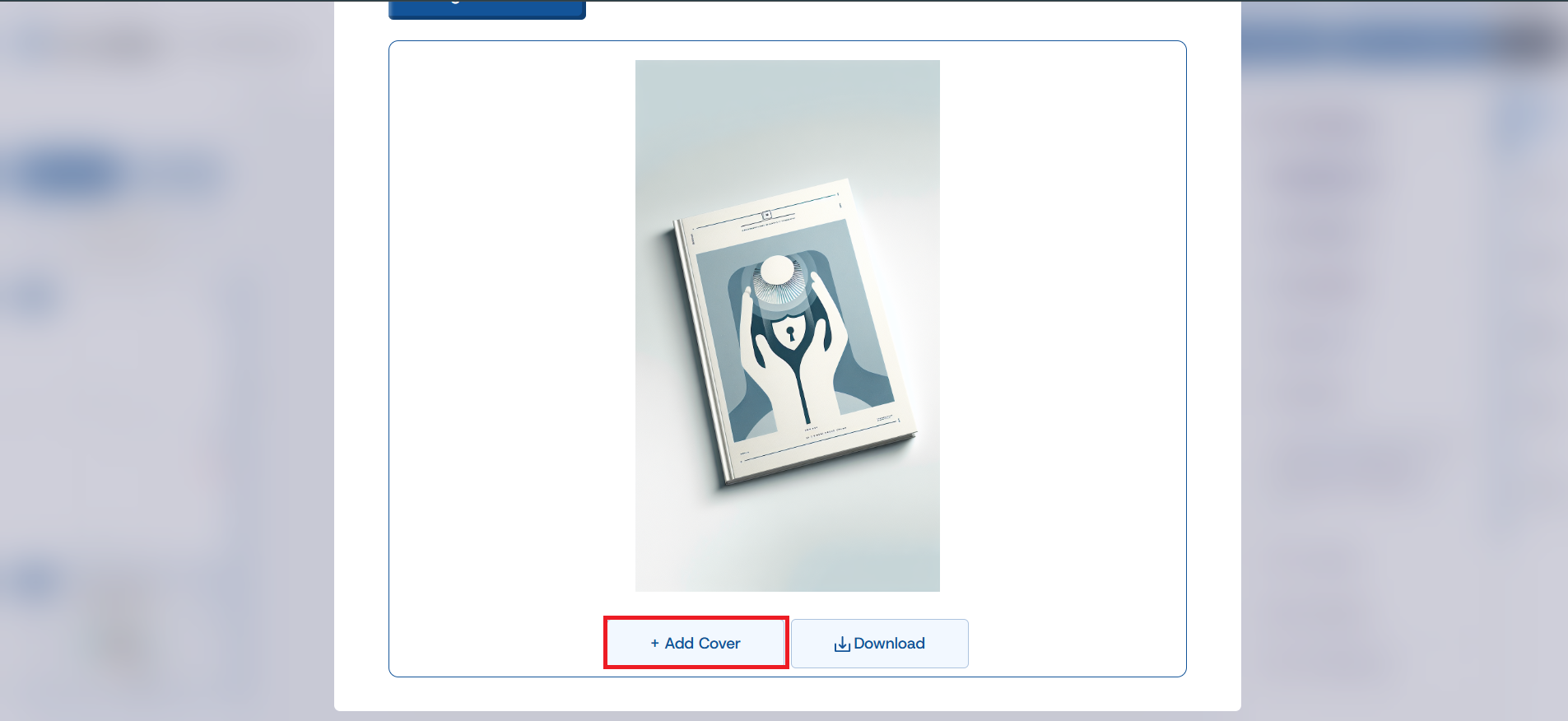
Click on the Add Cover button to add the cover to the project
Create your Design
To create your design, click on Start From Scratch option
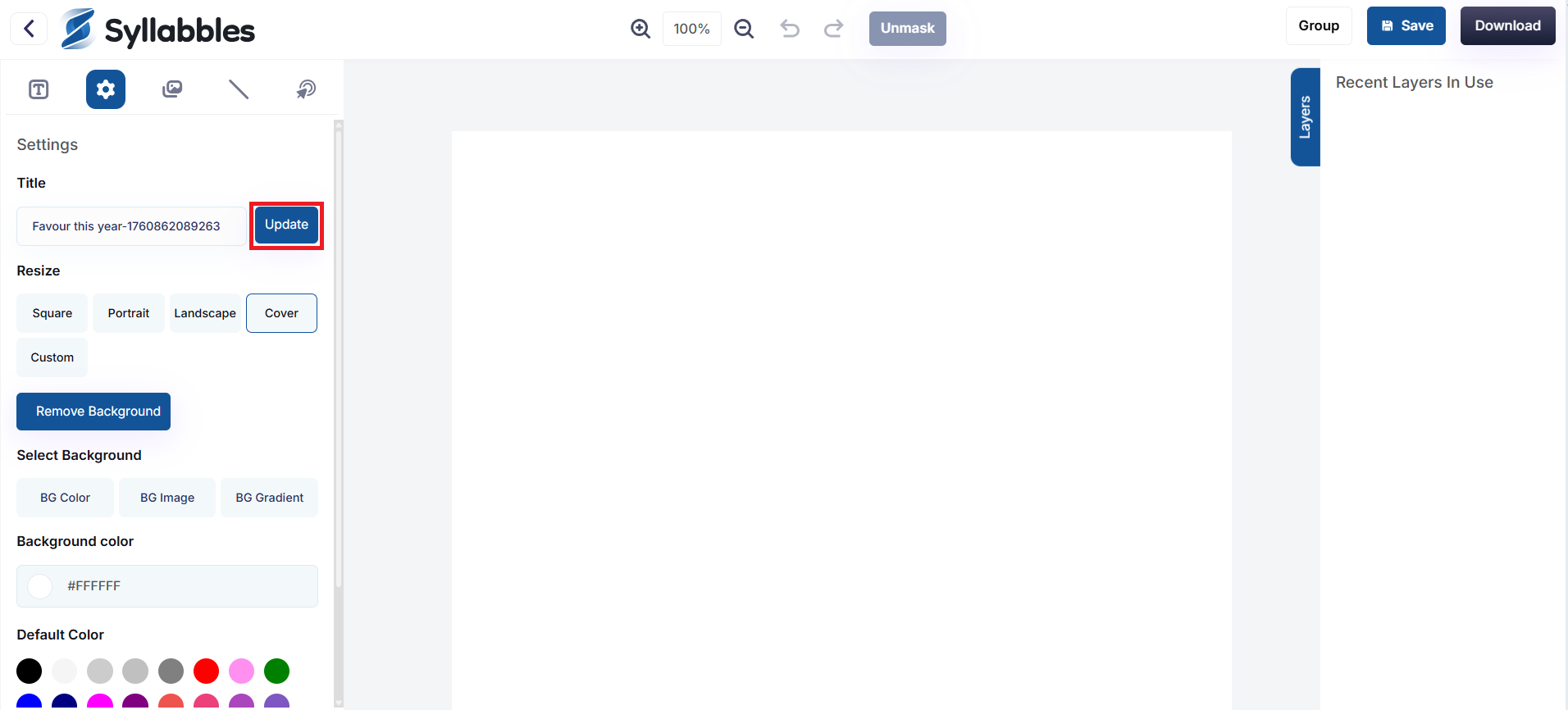
You’ll then be taken to the editor page to create your design. Once you’re done, click the Update button to save your changes to your project
Add an Image
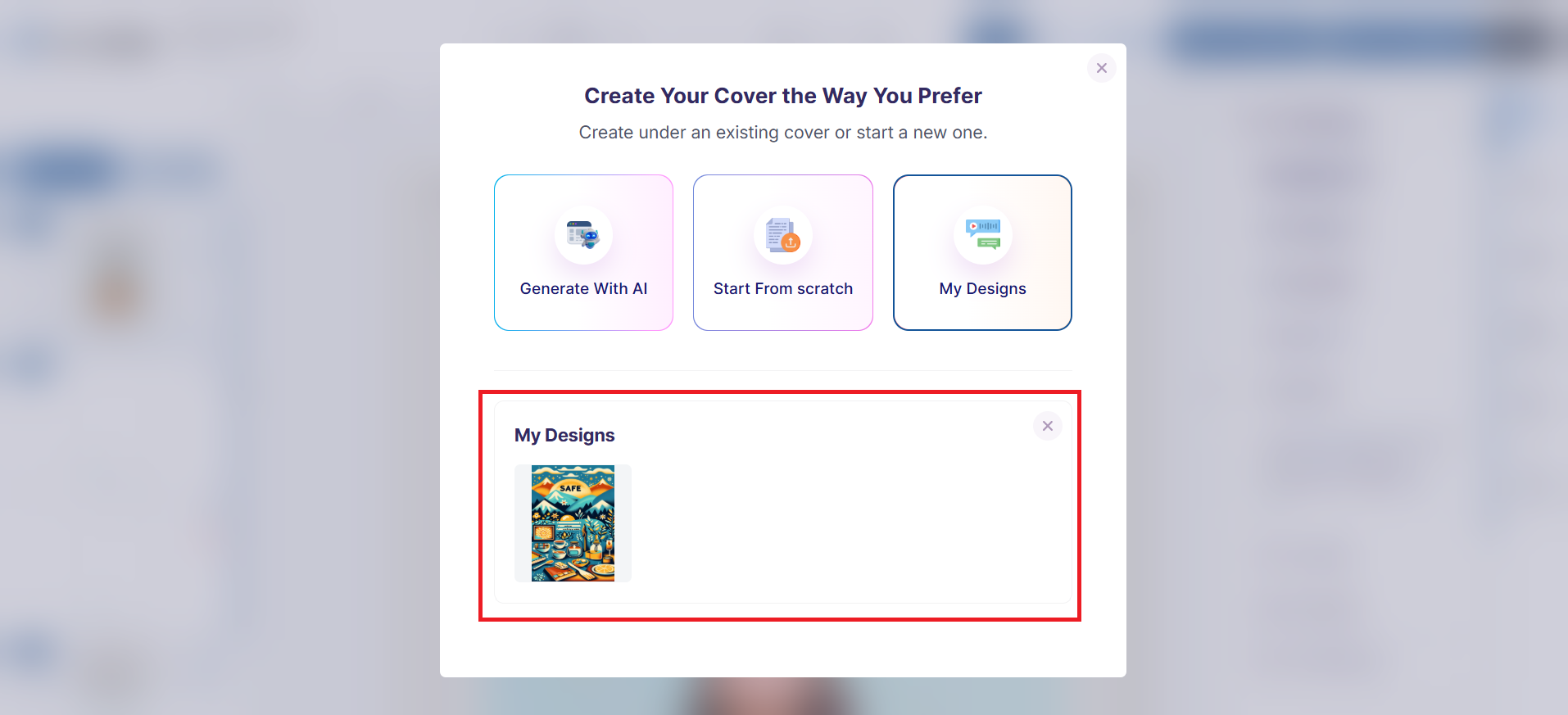
To Add an Image from your Designs, click on the My Designs option
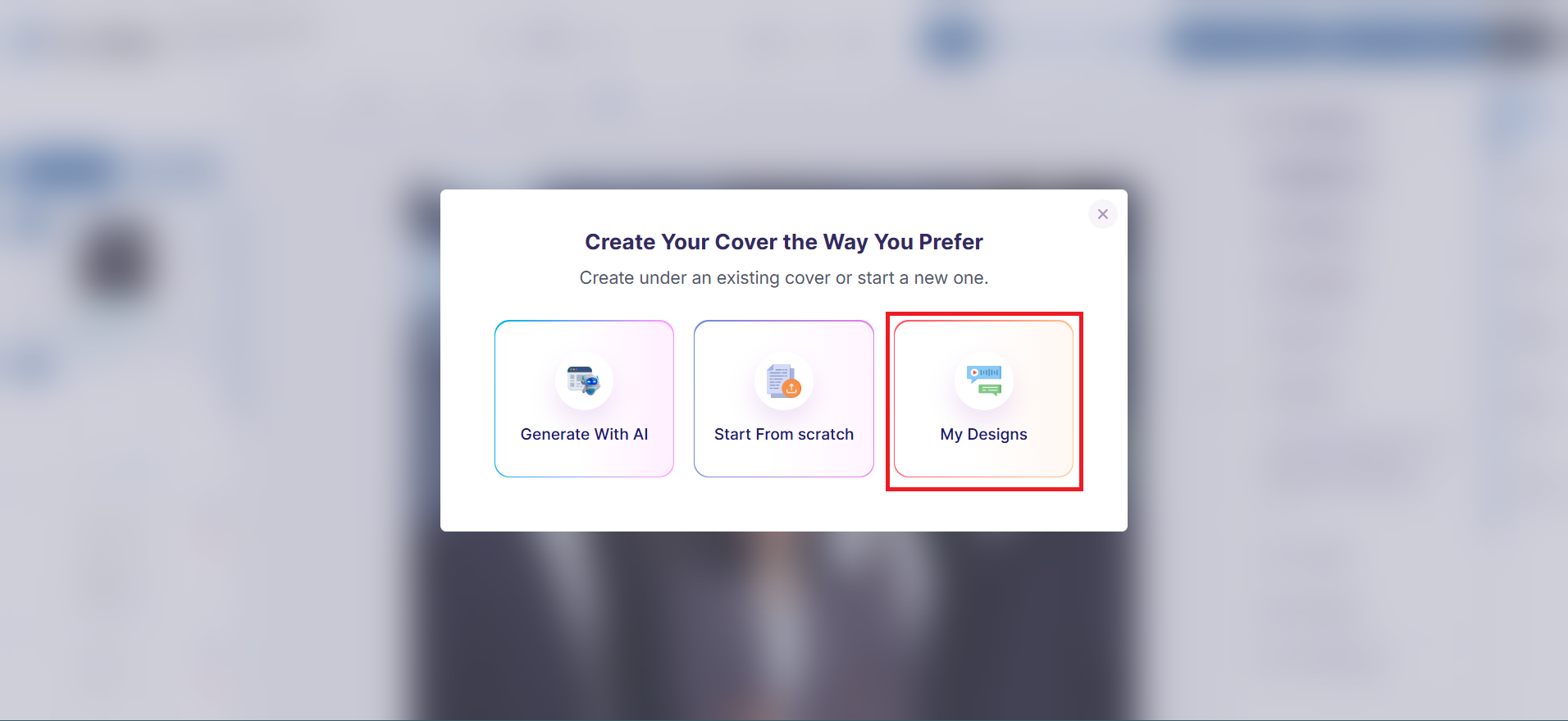
Select one of your available designs and it'll be added as the cover for your book.