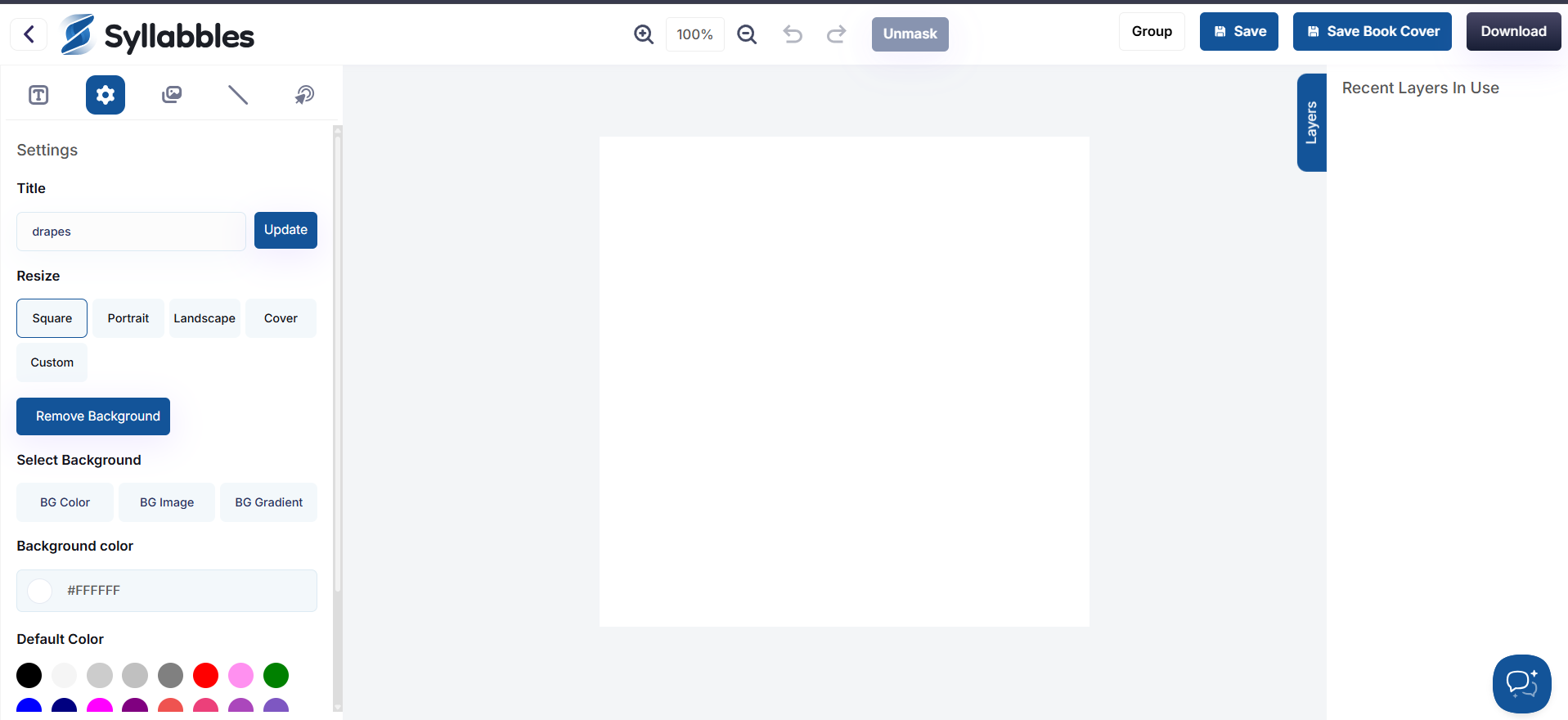
How to create Design
Creating a design in Syllables is quick and easy. This tutorial will guide you through the steps to start a new design and bring your ideas to life.
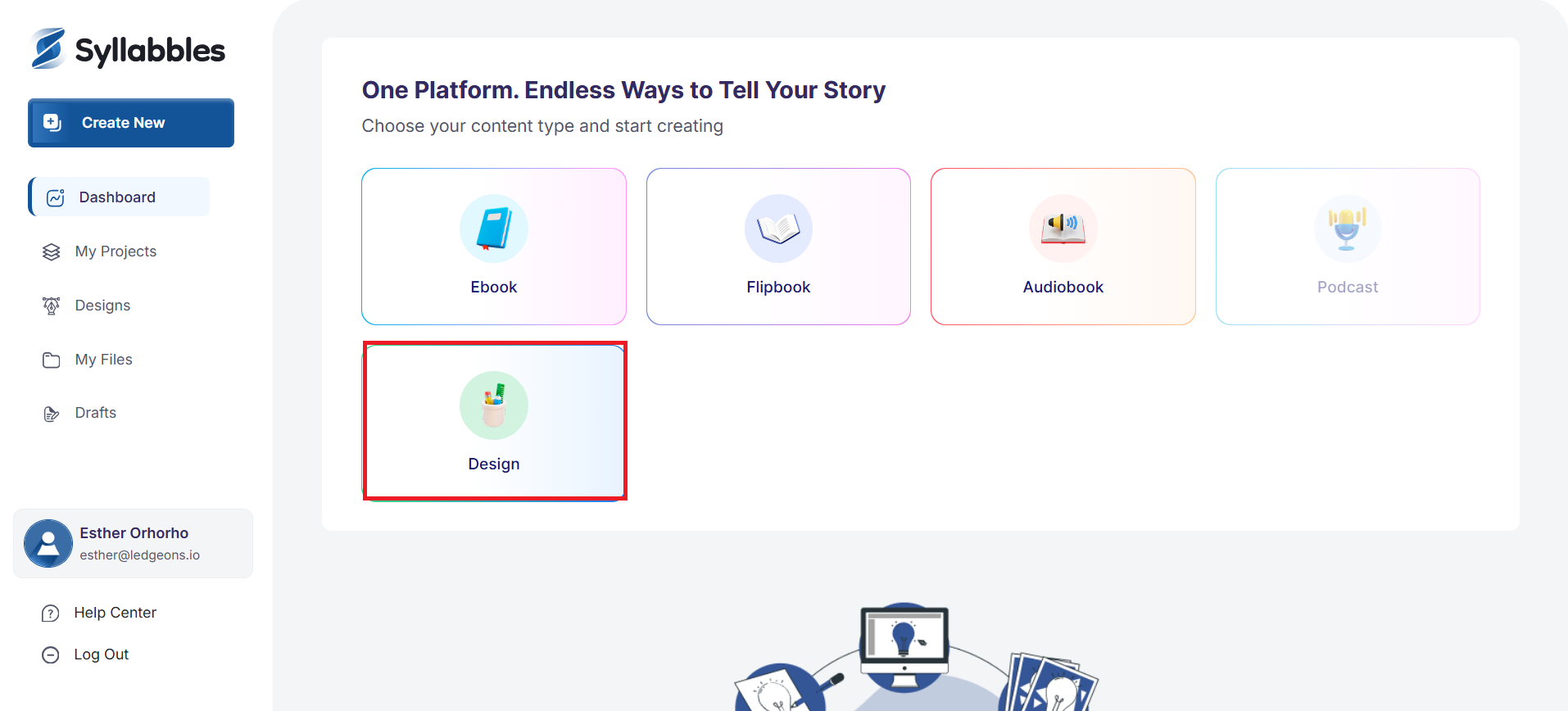
On the Dashboard, from the "Choose the content type" option, select Design
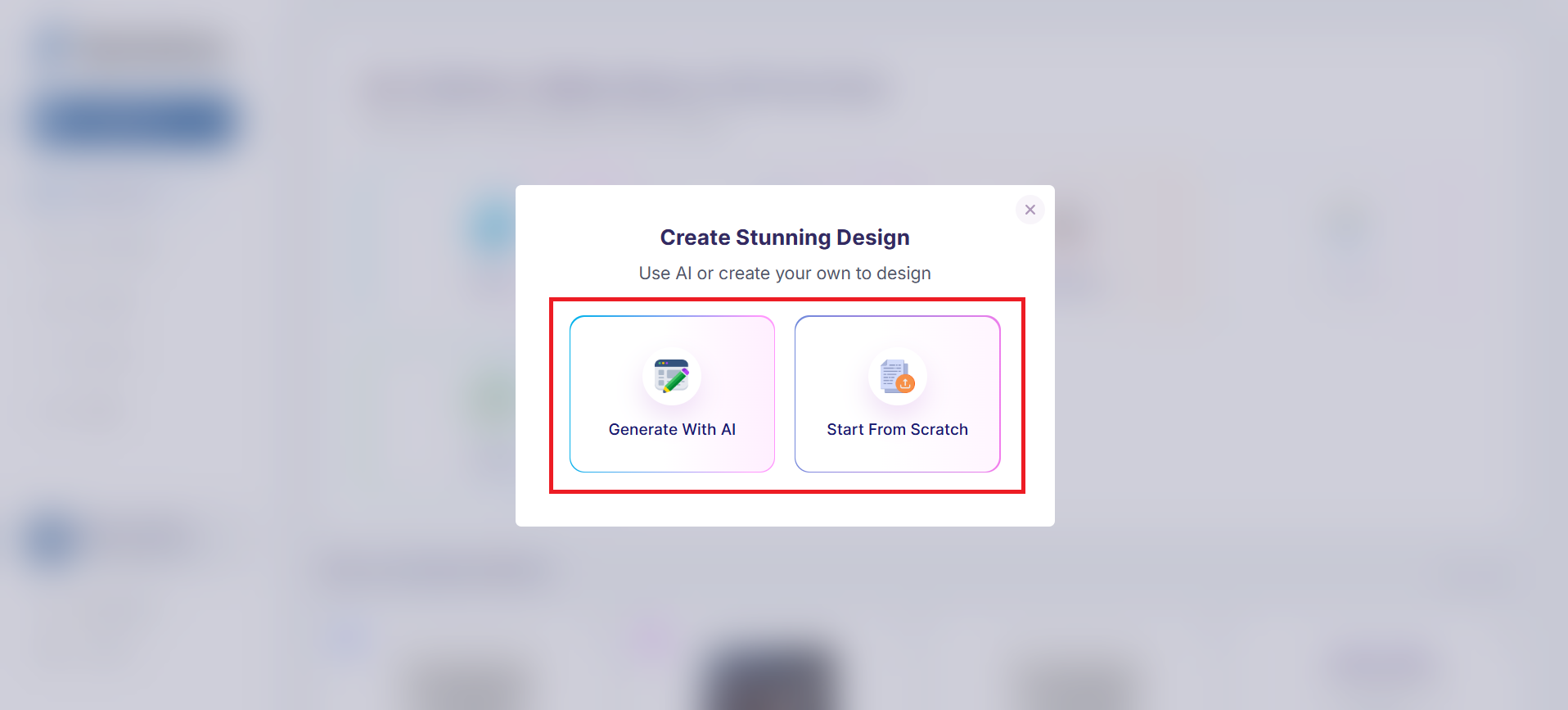
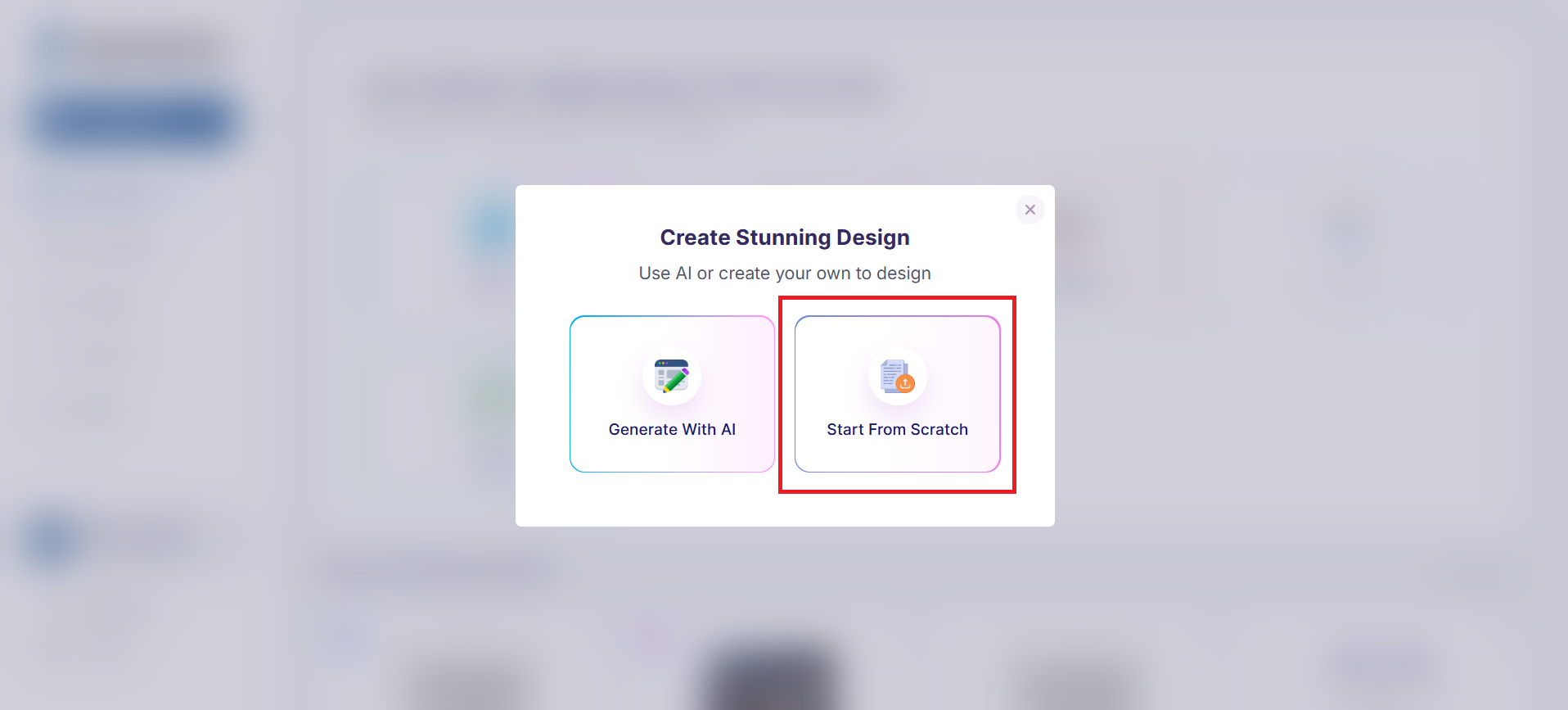
Select to either "Generate With AI" or to "Start From Scratch"
Generate with AI
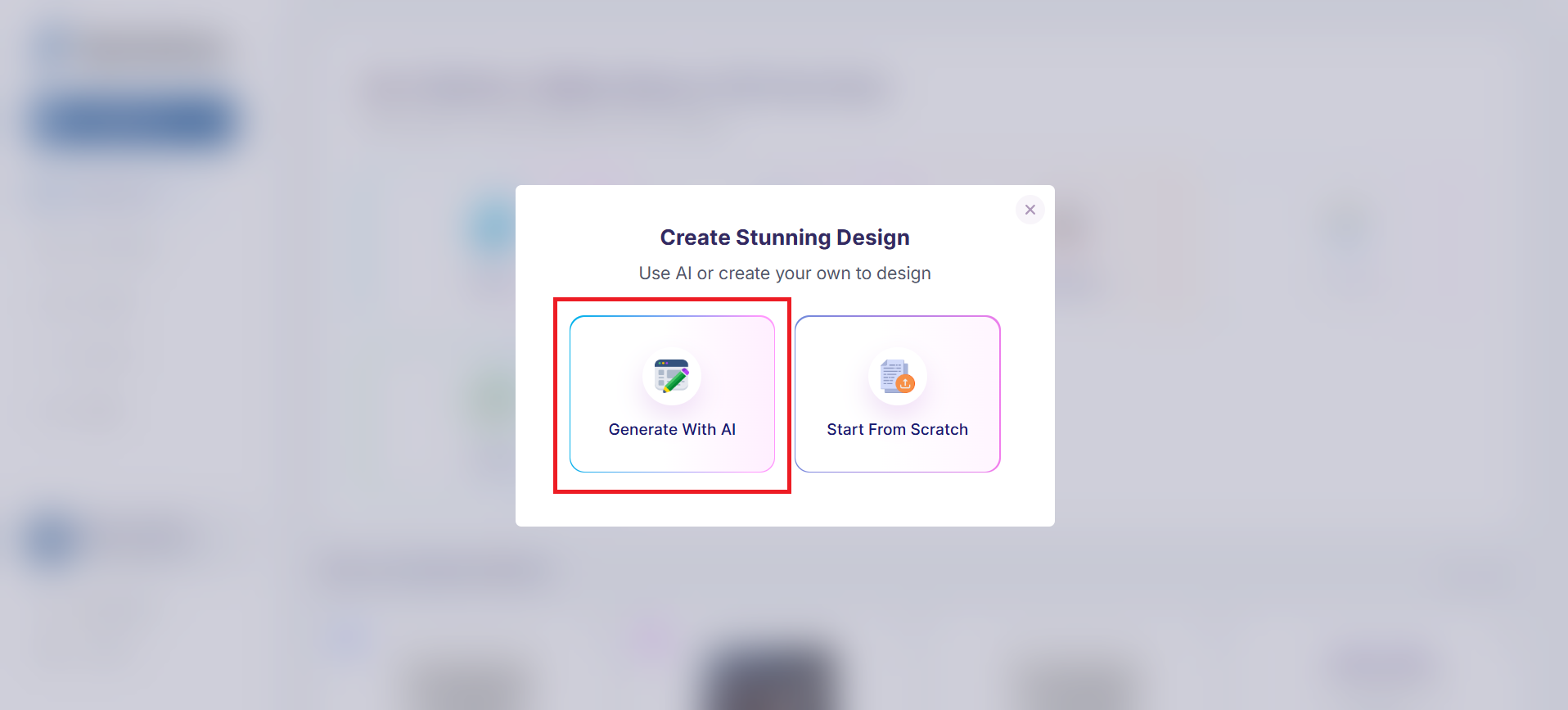
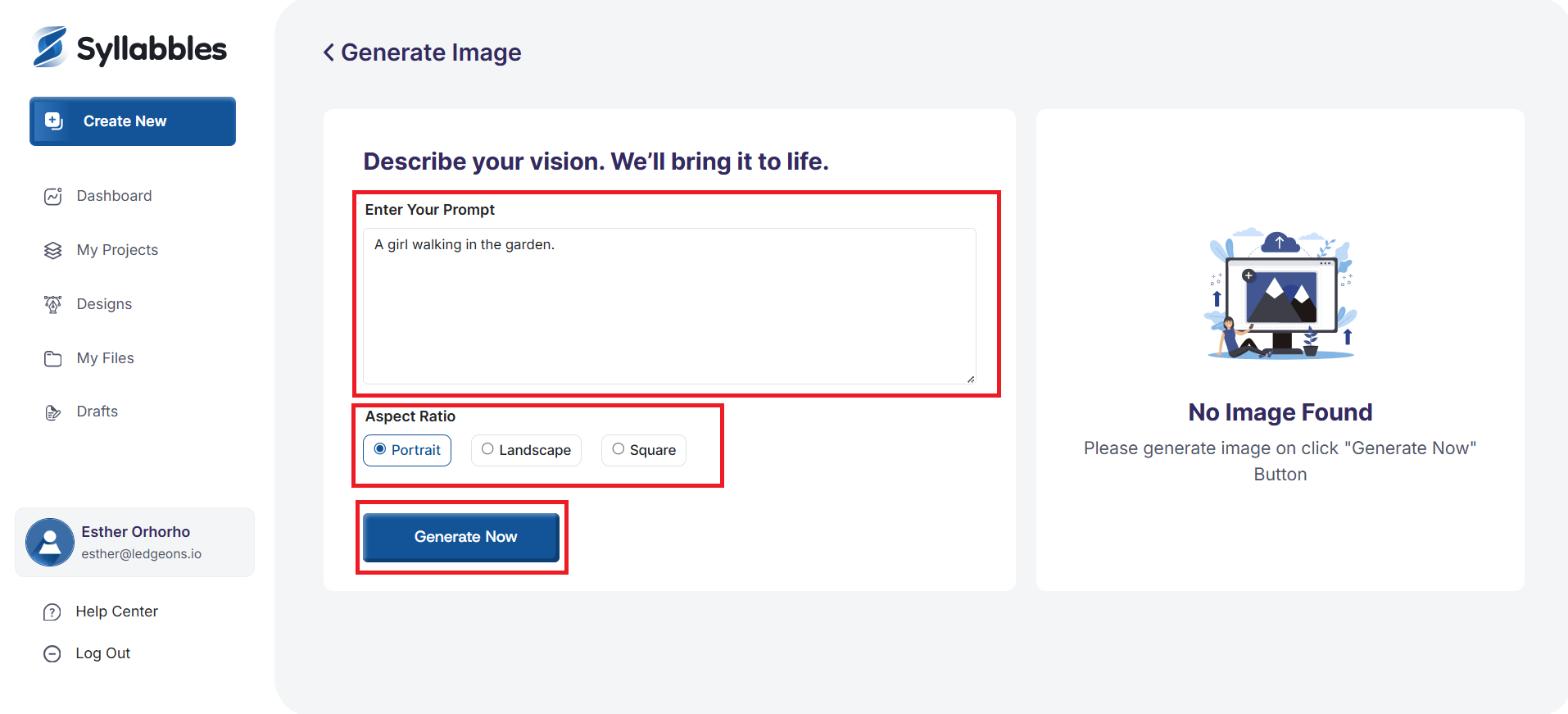
To generate a design with AI, Select the 'Generative With AI'
You can upload an image to help guide the AI(The images would generate without an uploaded image)
Enter your prompt to generate the image.
Choose your preferred Aspect Ratio for the design.
Then click Generate Now to create your image.
Be very descriptive with your prompt so the AI can generate an image that accurately matches your vision. Include details like colors, mood, setting, objects, lighting, and style
Start from Scratch
To build a design from scratch, select "Select From Scratch"
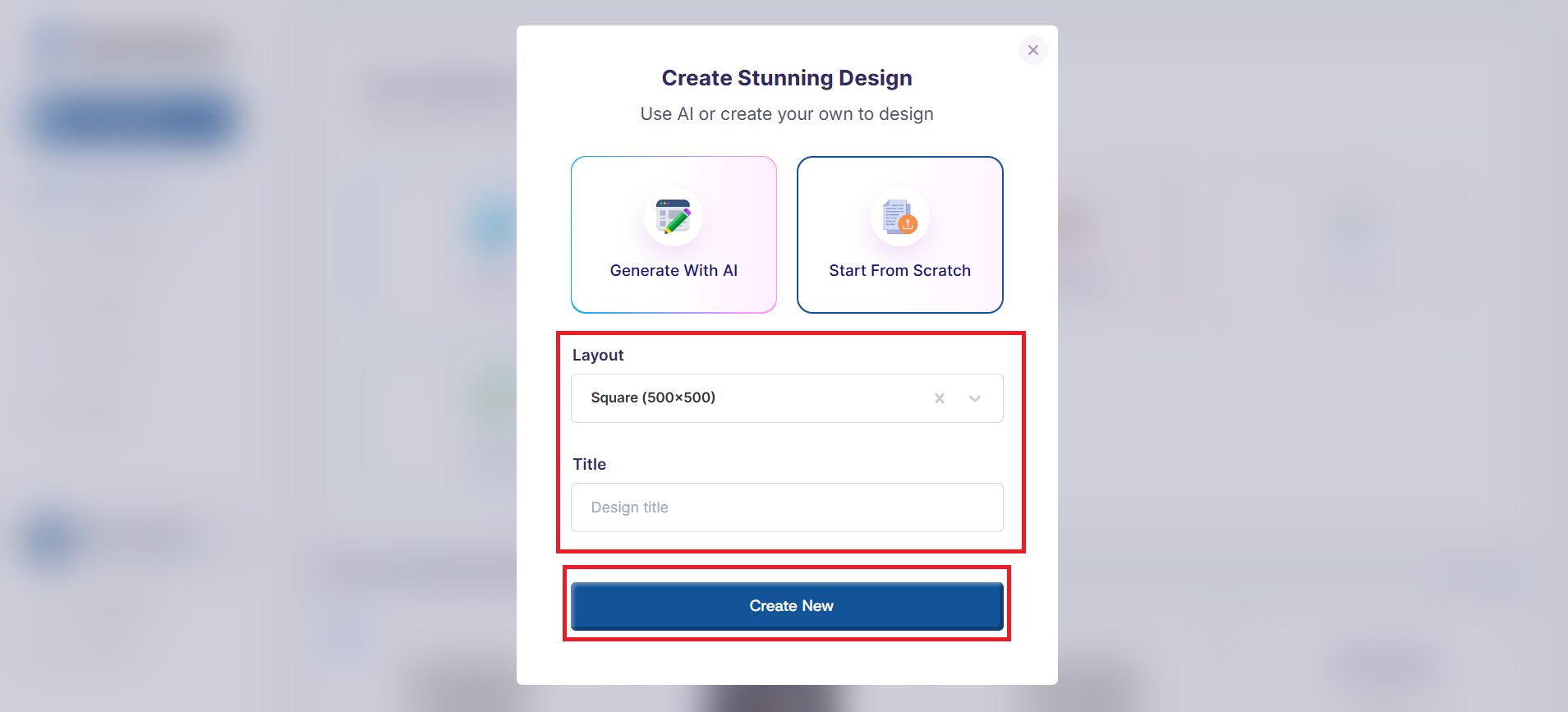
Select your preferred Layout from the Layout menu
Give your design a title
Then, click on the "Create New" button to start creating your design.
You'll be directed to the design editor where you can continue to customize your design