How to create Podcast
Starting a podcast is a powerful way to share your voice, build credibility, and reach people wherever they are. In this guide, you’ll learn how to create your podcast from scratch and turn your ideas into content your audience will love.
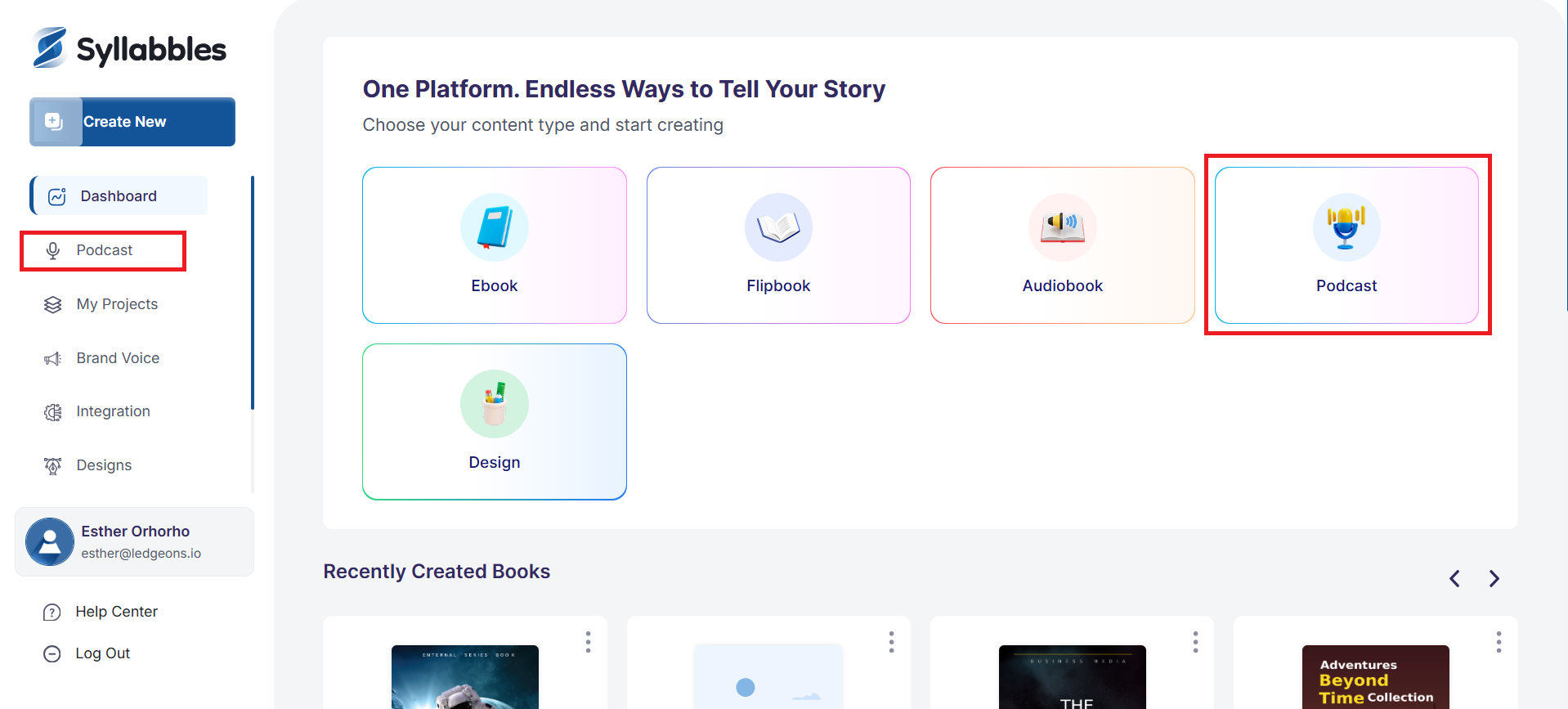
On the Dashboard, from the "Choose the content type" option, select Podcast, or click on the Podcast button on the left menu.
Select the mode of input, either Manual input, or with a link or through a file.
If you select Manual Input, you'll be required to manually enter the information of the podcast in a text
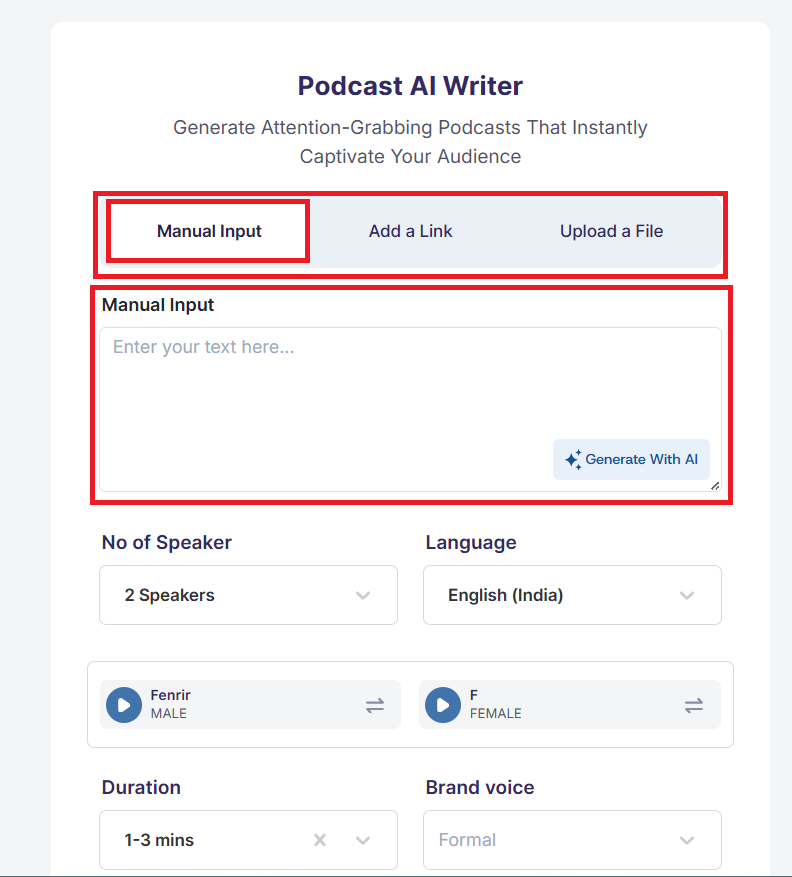
You can also click the Generate With AI button to use the AI feature, however, you must give the AI a description first.
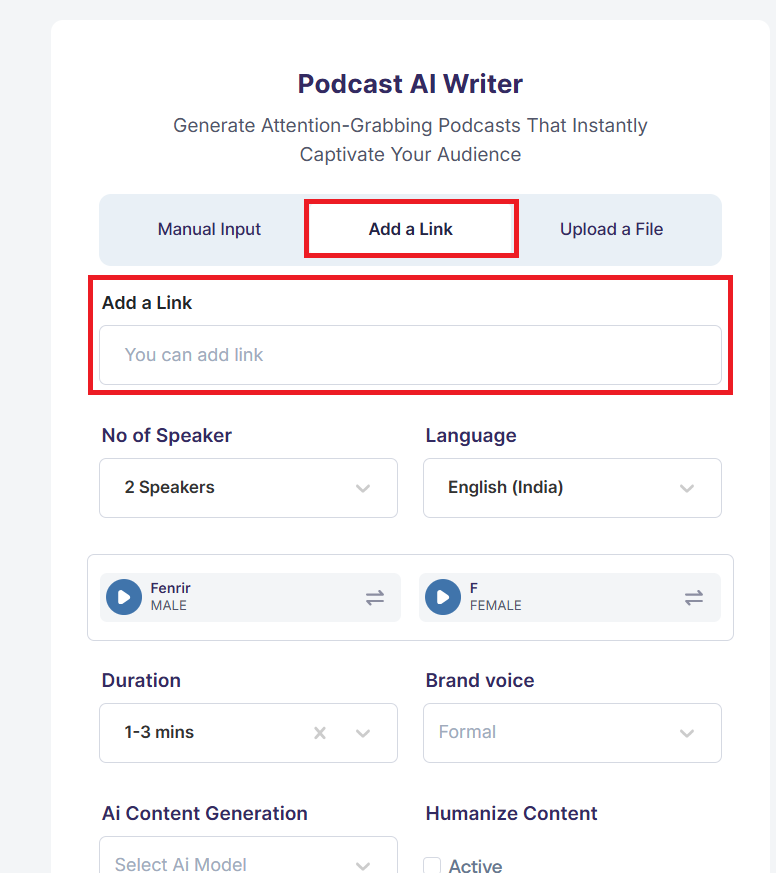
If you select the Add a Link option, you'll be required to enter the link in the box highlighted.
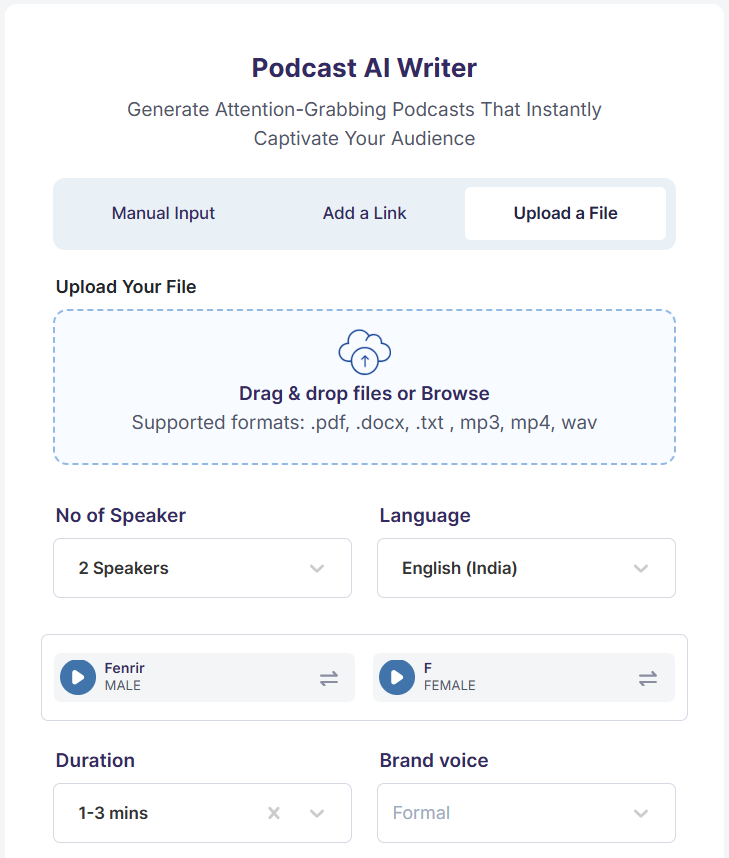
If you select the Upload a File option, you'll be required to upload a file(s) from your computer/mobile.
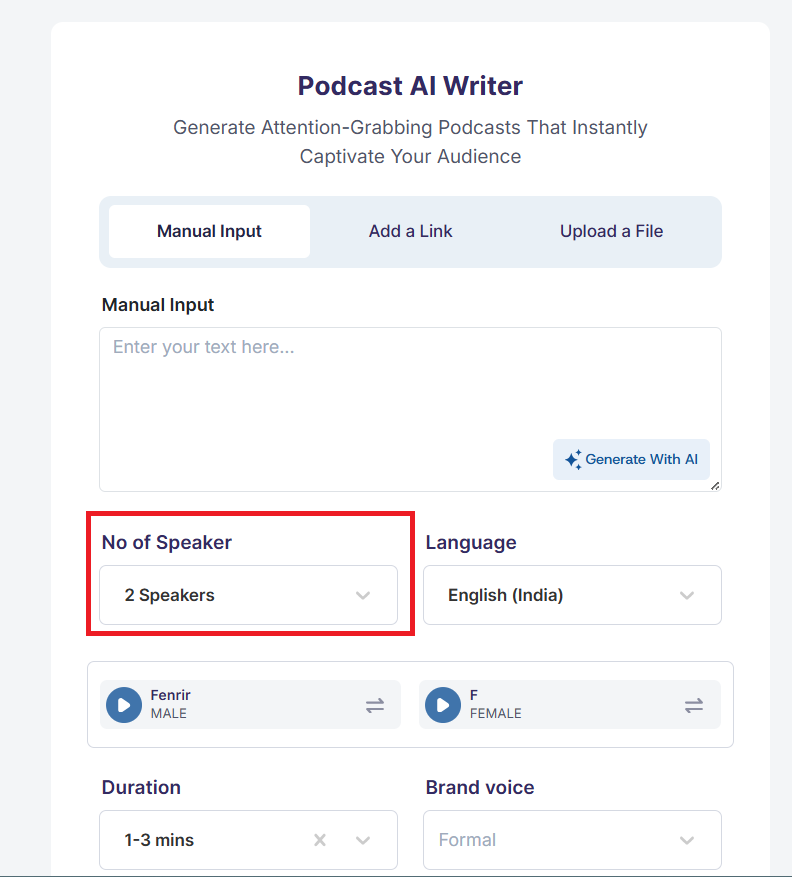
Then, you can go ahead to select the number of speakers that you need. You can select between 1 and 4 speakers
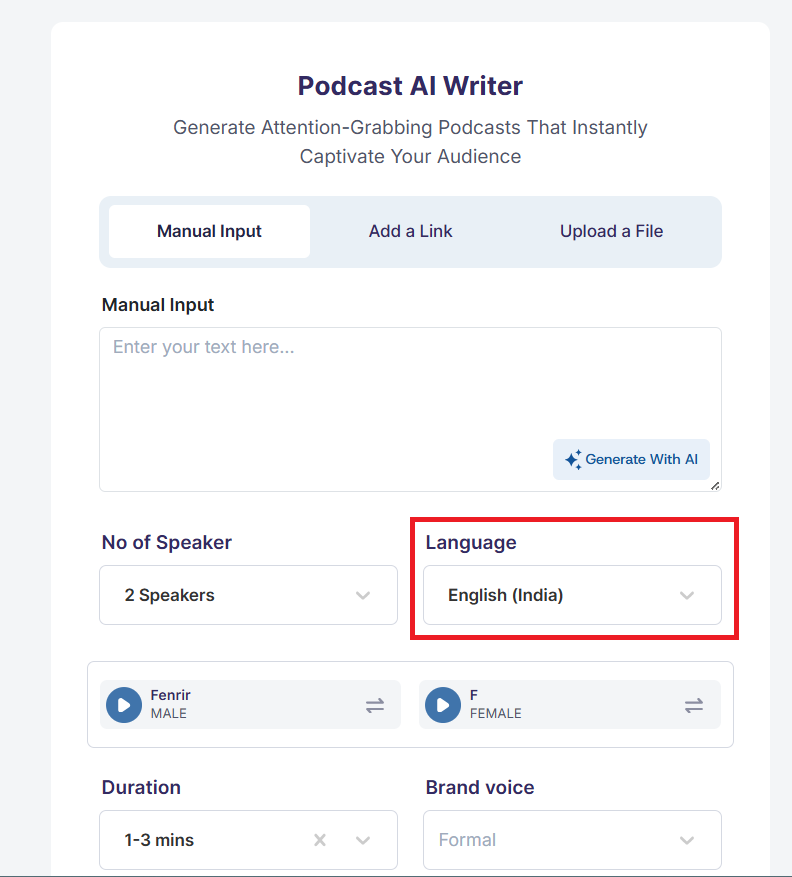
Select the Language that you want for the podcast
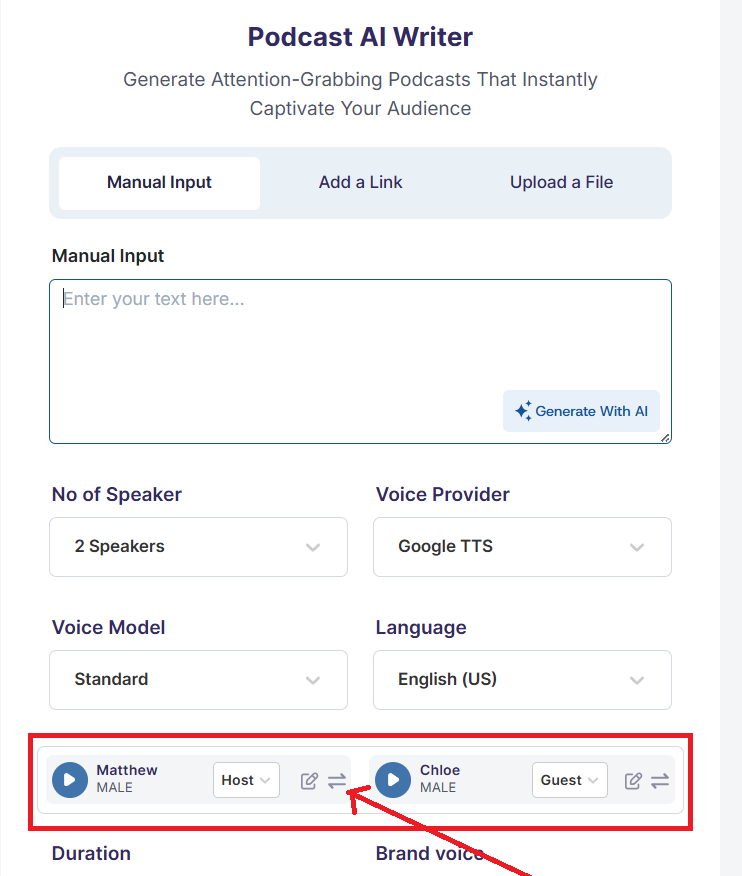
Then, select the voices for each of your speaker. You can select from the variety of voices both for Male and Female voices.
You can filter between the female and male voices, or just choose to go through all at once.
You can click the play button to preview the voice, then select a voice and click the Continue button to select that voice.

You can also edit the speakers name to one that you'll prefer, and give a description of the speaker. After entering the preferred name, click on the Save button
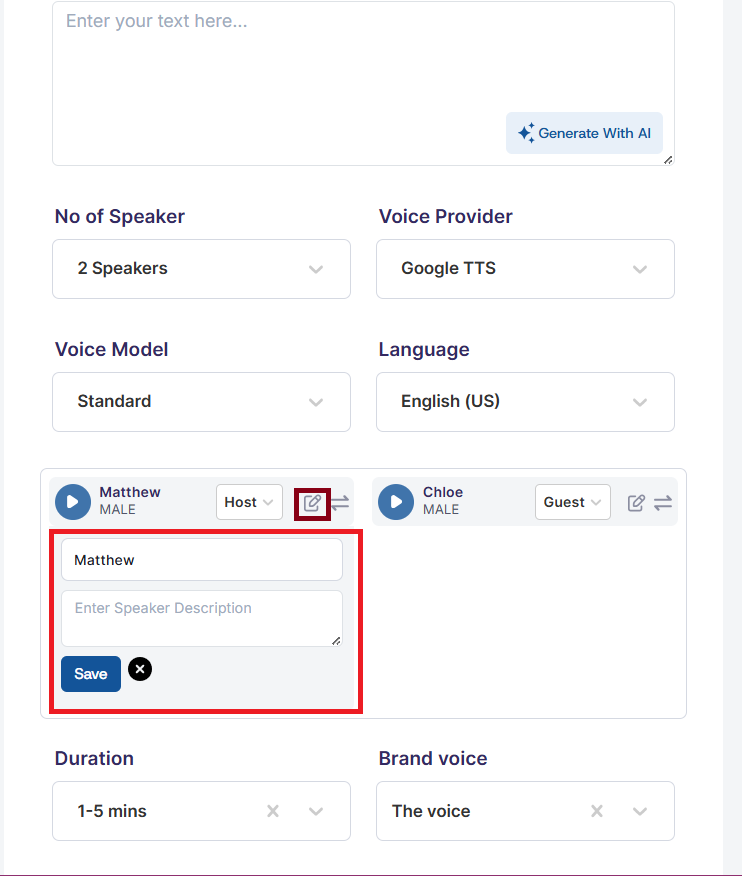
Choose your preferred voice provider either Elevenlabs or the Google TTS, then select the voice model you’d like to use.

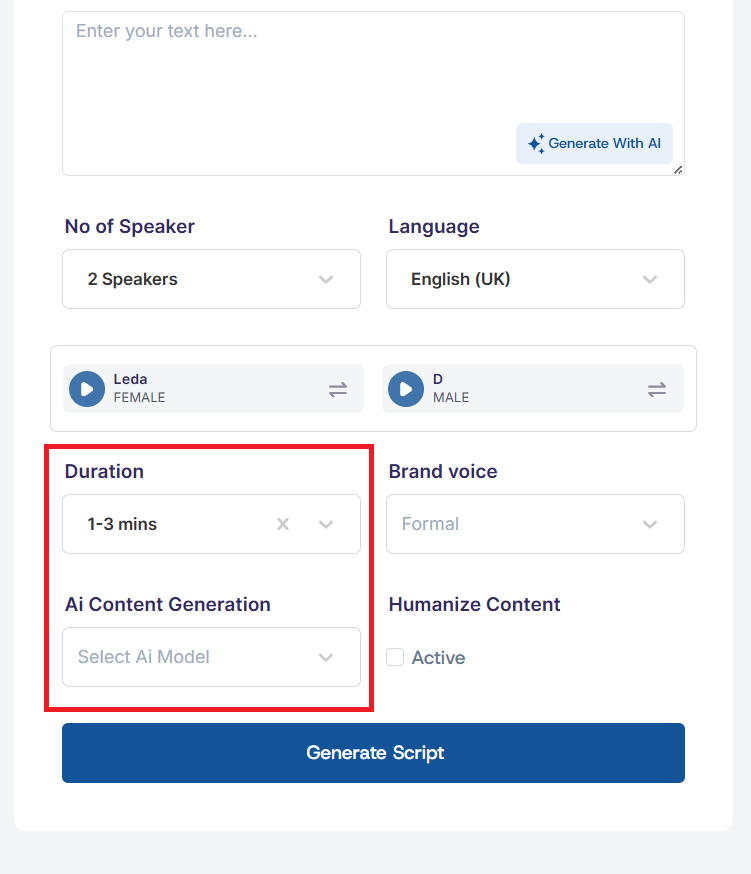
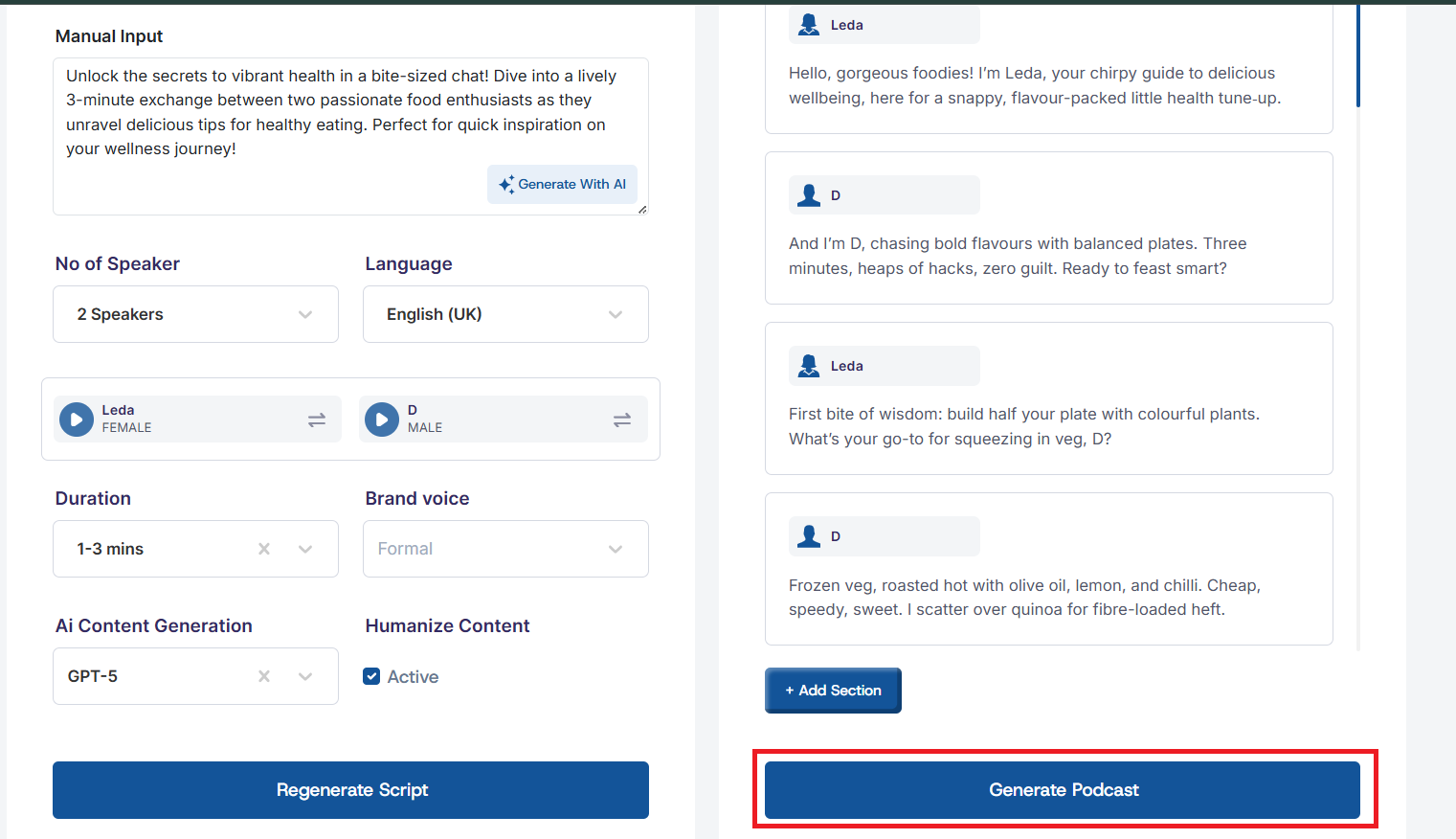
Select the duration range for your podcast, and the AI content generation model from the available AI models.
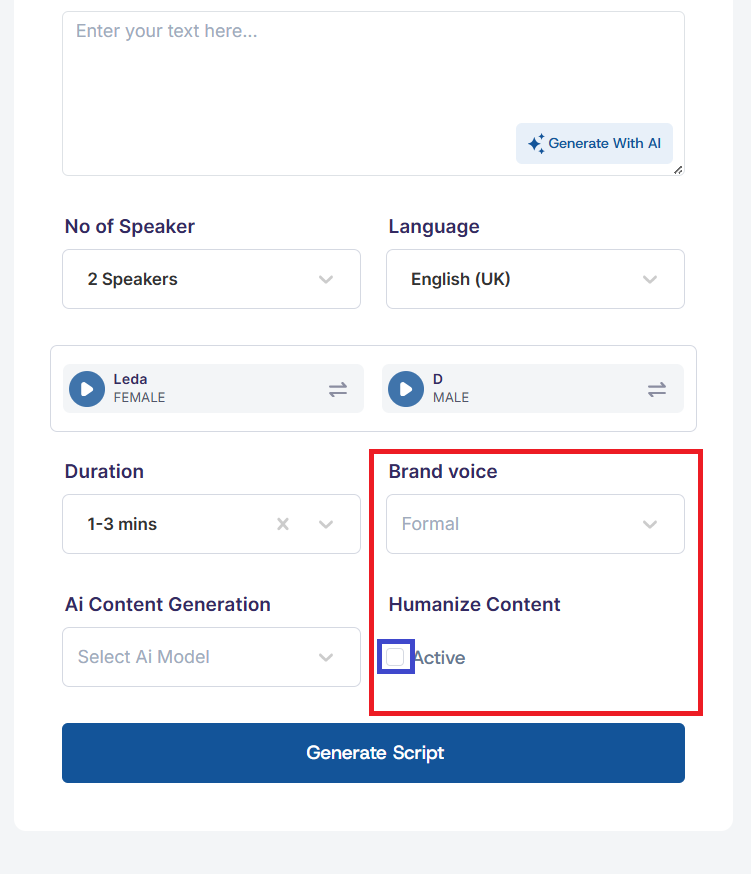
Select one of your Brand Voice that you'll like to use for the podcast, and check the box to Humanize Content.
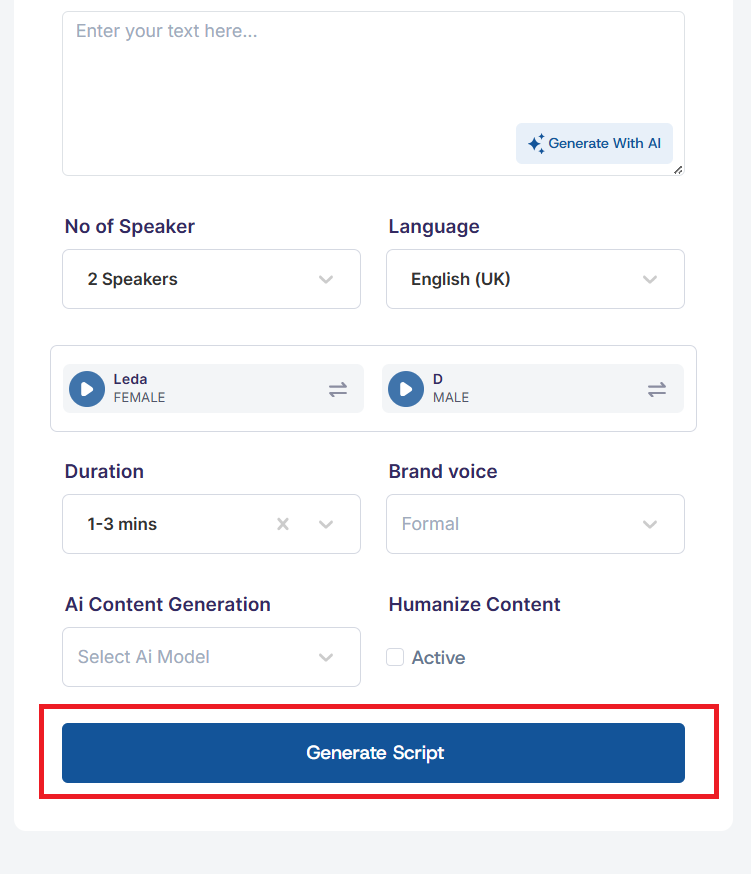
After you have entered the necessary details to create your podcast, click on the Generate Script button to generate your podcast script.
After the script s generated, click on the Generate Podcast button to generate your Podcast.
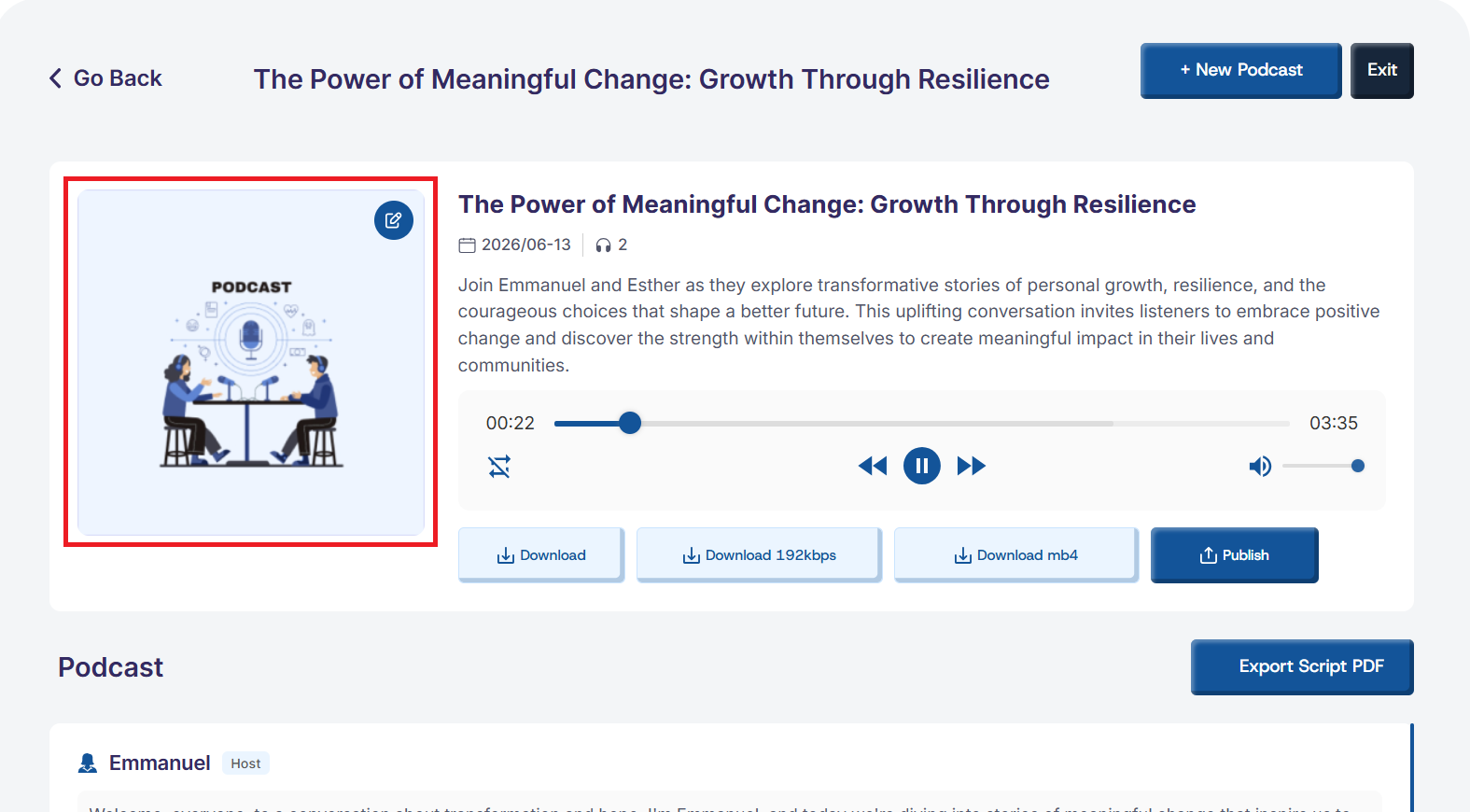
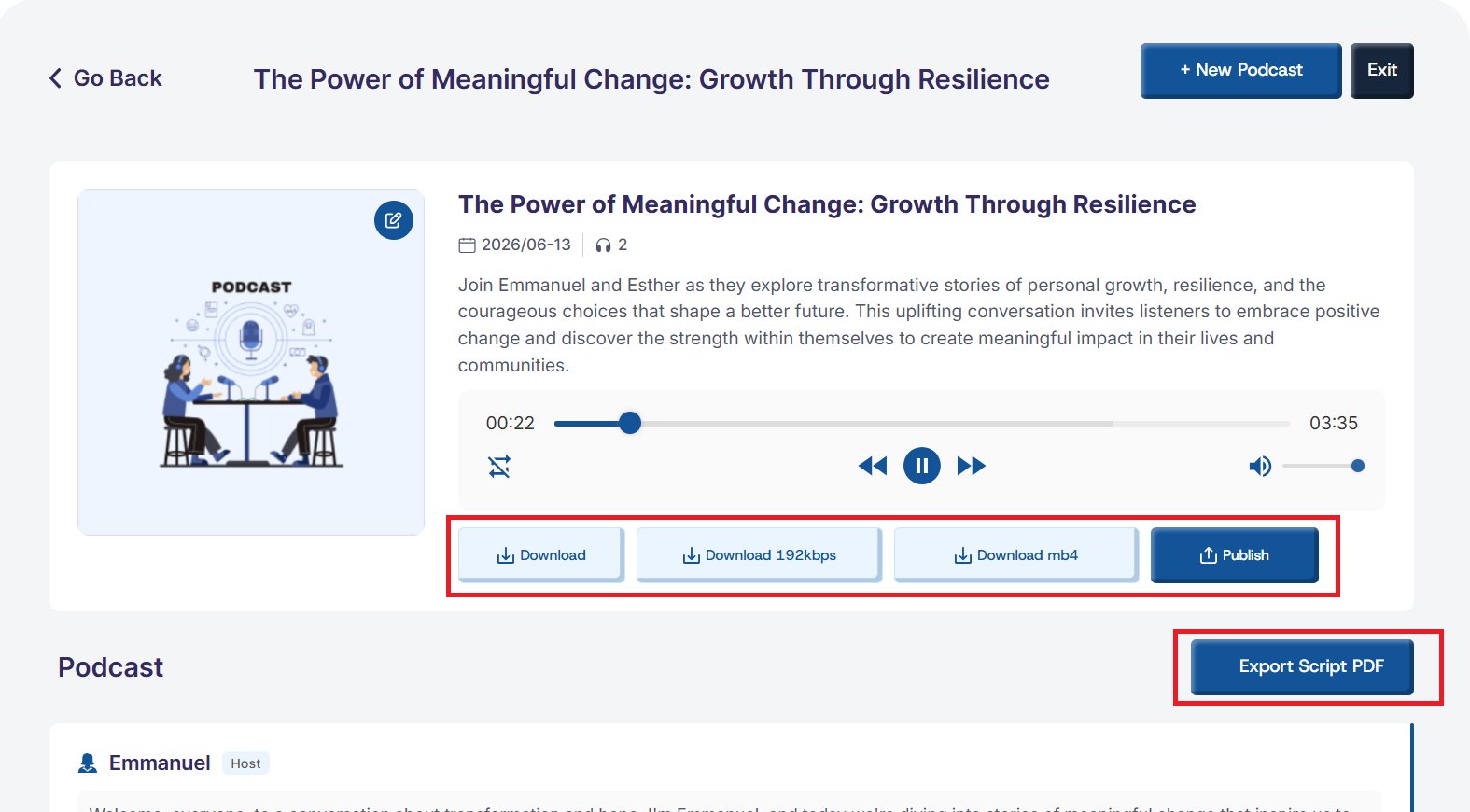
The podcast will then be uploaded to the Player Page, where you can listen, download, and publish it with ease. You can also export the podcast script as a PDF for reference, sharing, or record-keeping.
To personalize your podcast, you can add a custom cover image that will be displayed alongside your episode.