
How to create Flipbook
Creating a flipbook in Syllables lets you turn your content into an interactive, page-flipping experience. This tutorial will walk you through the steps to design and publish your own flipbook.
On the Dashboard, from the "Choose the content type" option, select Flipbook

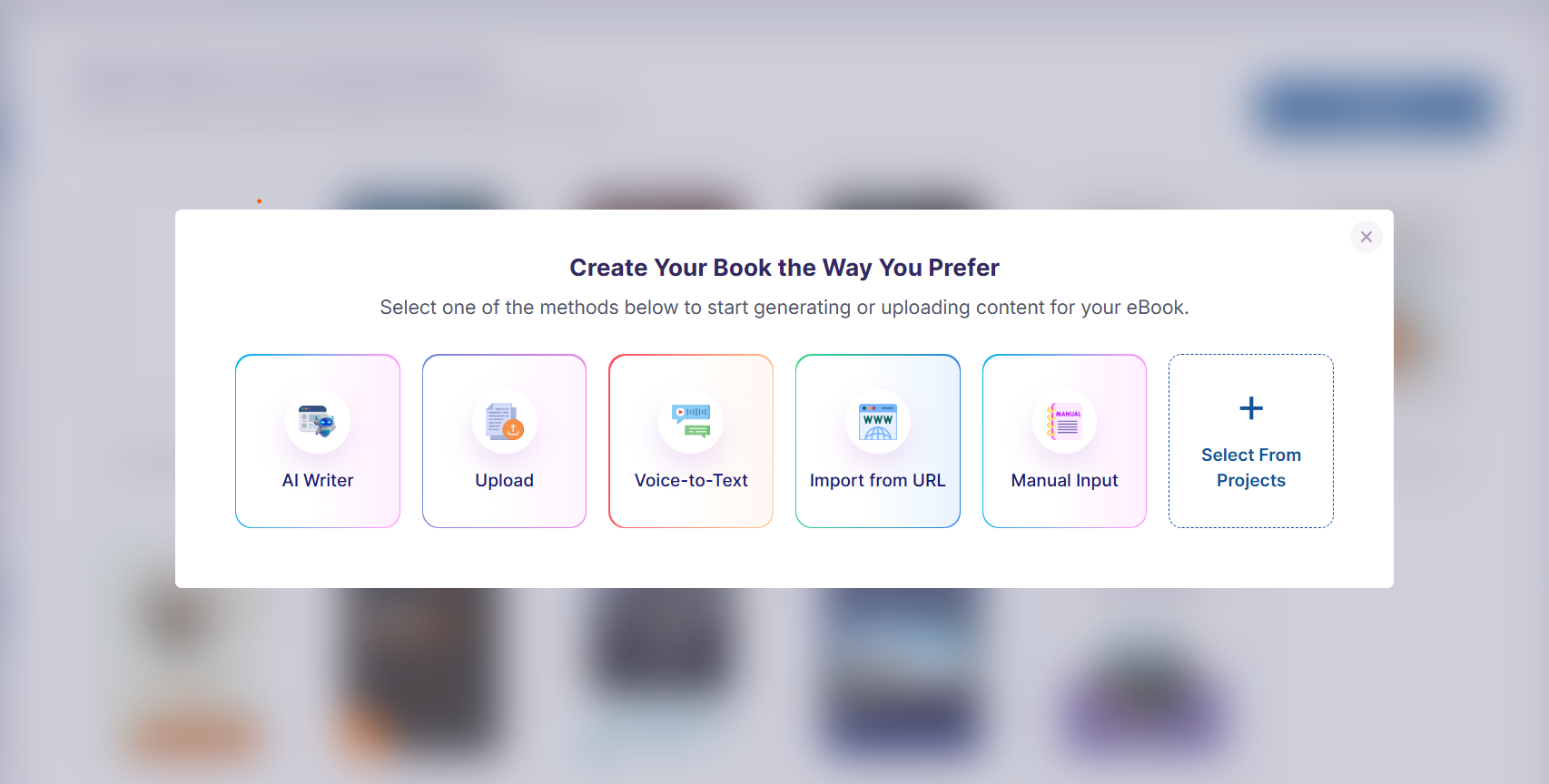
Select any one of the methods to start generation or uploading content and then input your content and follow the process to get the editor.
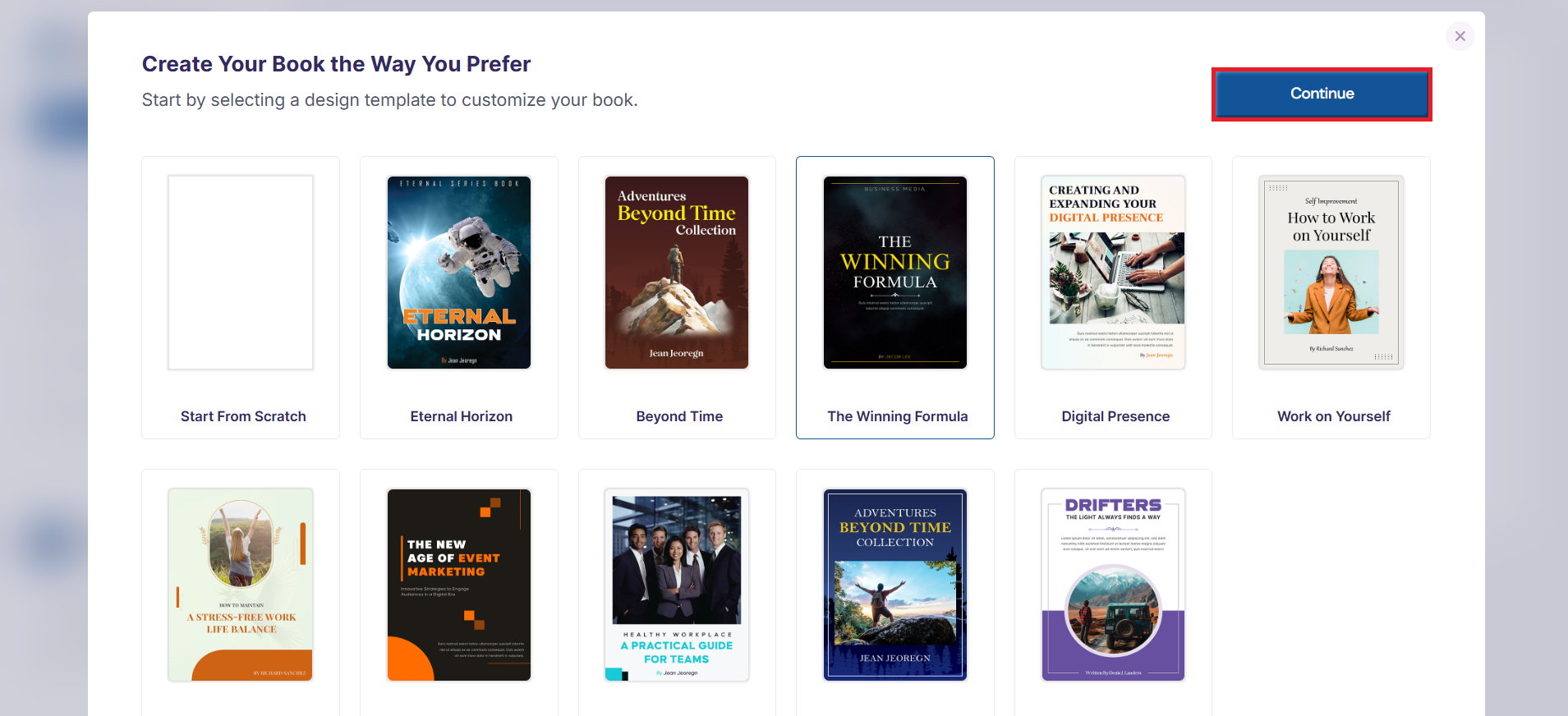
Then, select one of the templates or use the "Create from Scratch" option and press the Continue button.
You'll be required to enter the details for the to create your ebook
After you have finished working on your project, you select the Convert to Flipbook button, to turn the project to a Flipbook and publish.
