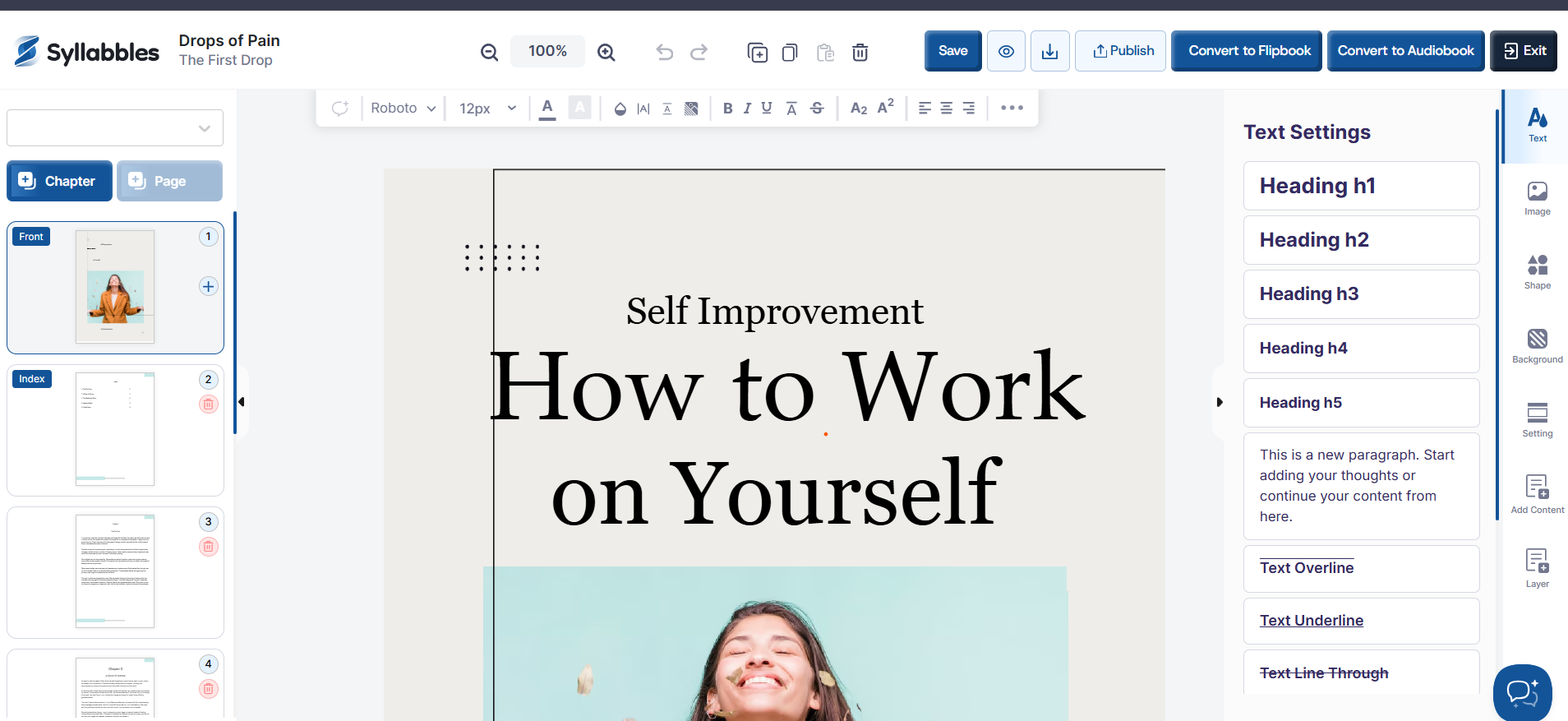
How to create Ebook
Creating an eBook in Syllables is simple and straightforward. This tutorial will guide you through the steps to design, format, and generate your eBook with ease.
On the Dashboard, from the "Choose the content type" option, select Ebook

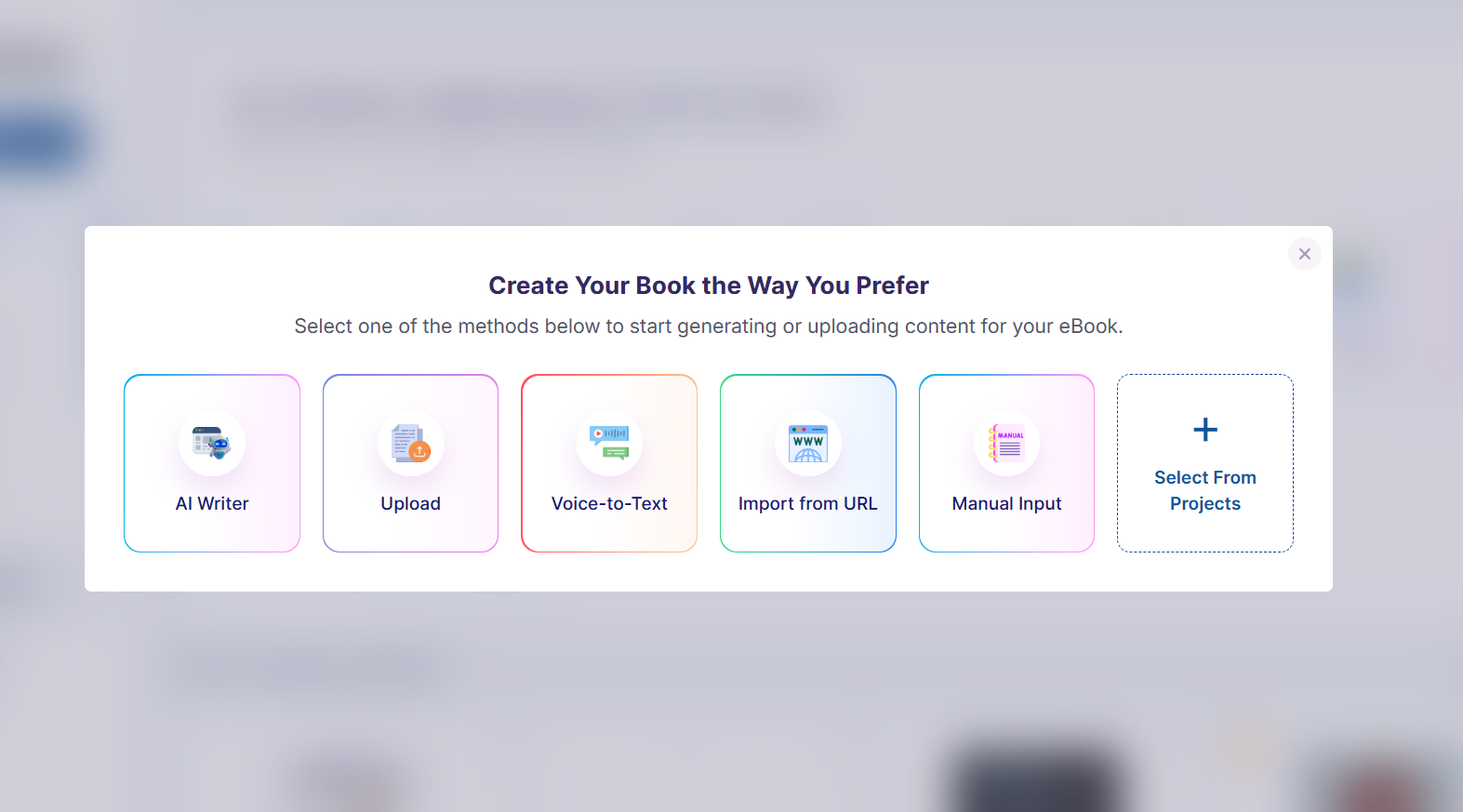
Select one of the methods below to start generating or uploading content for your eBook
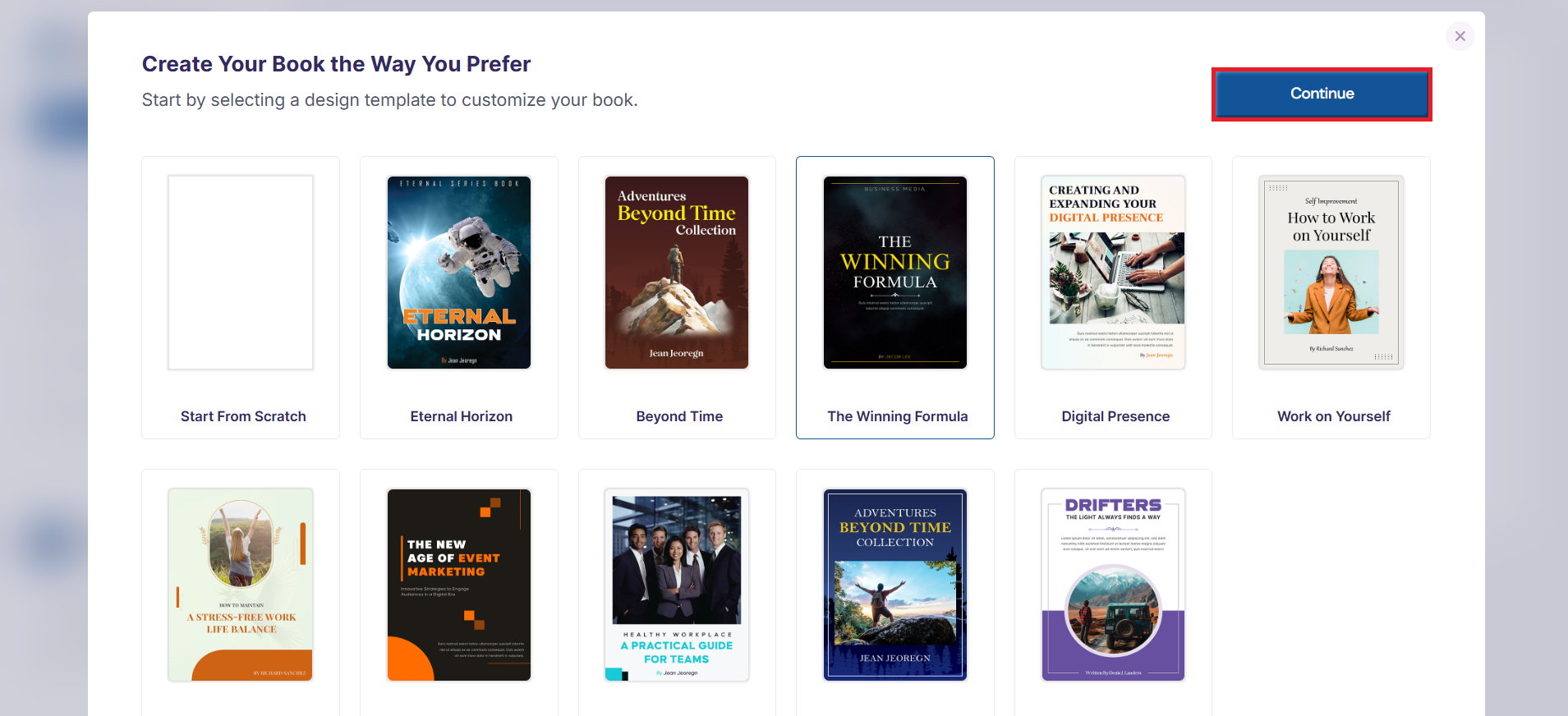
Then, select one of the available templates or use the "Create from Scratch" option and press the Continue button.
Enter the details required to launch your Ebook to the editor. The project will then be loaded into the editor, where you can continue customizing it by editing the text, adjusting the layout, adding images, and refining the design to suit your needs.