How to upload a content file
Uploading a content file in Syllables lets you easily bring in your existing work, saving time and effort. This tutorial will guide you through the simple steps to add and organize your file seamlessly.
From the Dashboard click on the Create New button.

OR
Select one of the content type to start creating

Click on the Upload button to upload your content file.

Then, click on the highlighted box to upload your file(s). After you have successfully uploaded the files you needed, you can click on the Continue button to continue.
Note that there are specific formats that you can upload your document in and that is the .pdf, .docx, .txt, .mp3, .mp4, .wav.

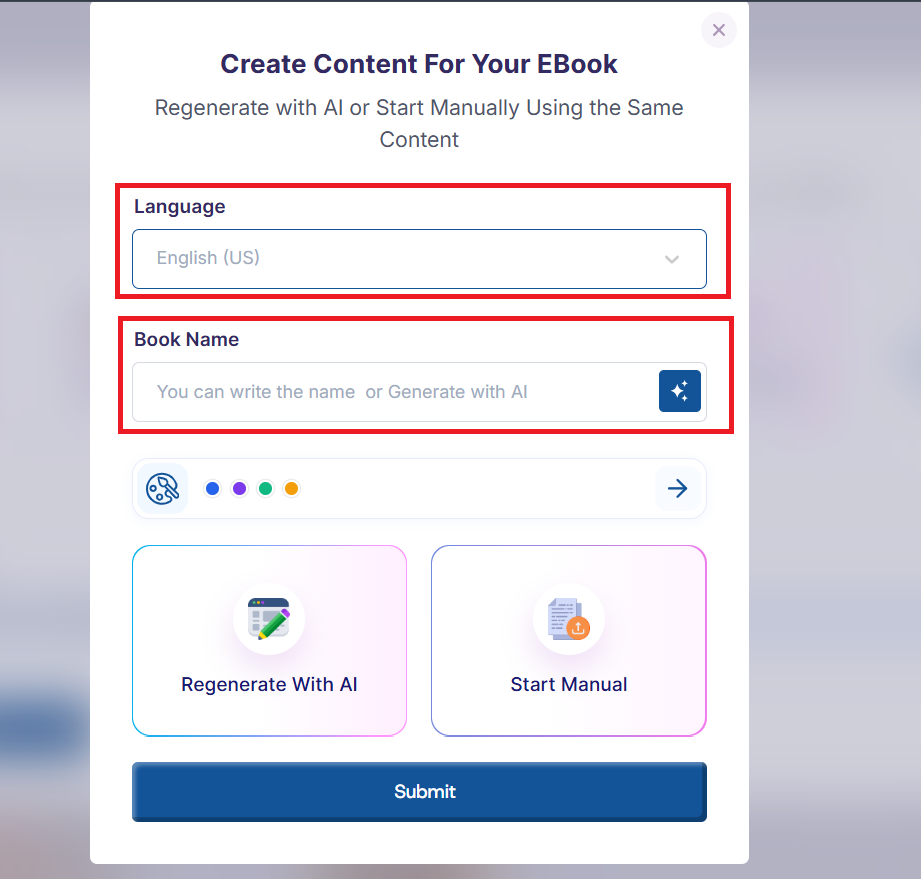
After uploading the content for the book, you'll then be required to choose a language for the book, enter the book title and continue manually or regenerate your content with AI. Then, click the Continue button.
You'll then be required to choose a language for the book, enter the book title for your project
Then, you can click on the color palette to select your preferred colors for your brand.
Under the brand colors option, you'll be required to select your preferred Primary color, Accent color and Paragraph color.

Click on the color square to select the color

or use the color's hex code option by putting in your preferred hex code

Then, you can select your background color, you can either decide to use a Solid color or a Gradient color. If you choose a solid color, click on the color square or enter the hex code for your preferred color.

Then, if you choose to use the a gradient color, you'll be required to select a first color, a second color and to what degree you'd prefer the gradient.

You can see a preview of your colors as you make your color selection

You also have the option to reset the colors to the system default colors

When you're done you can click the Save button to save or the Cancel button to cancel your selections.

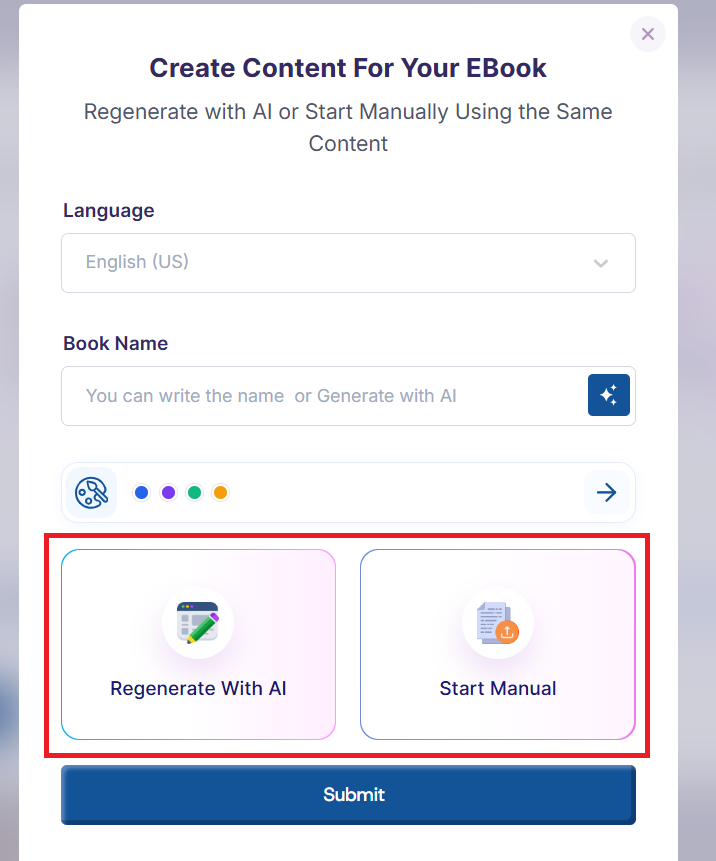
After selecting your brand color, you can go ahead to either Regenerate with AI or Start Manually.
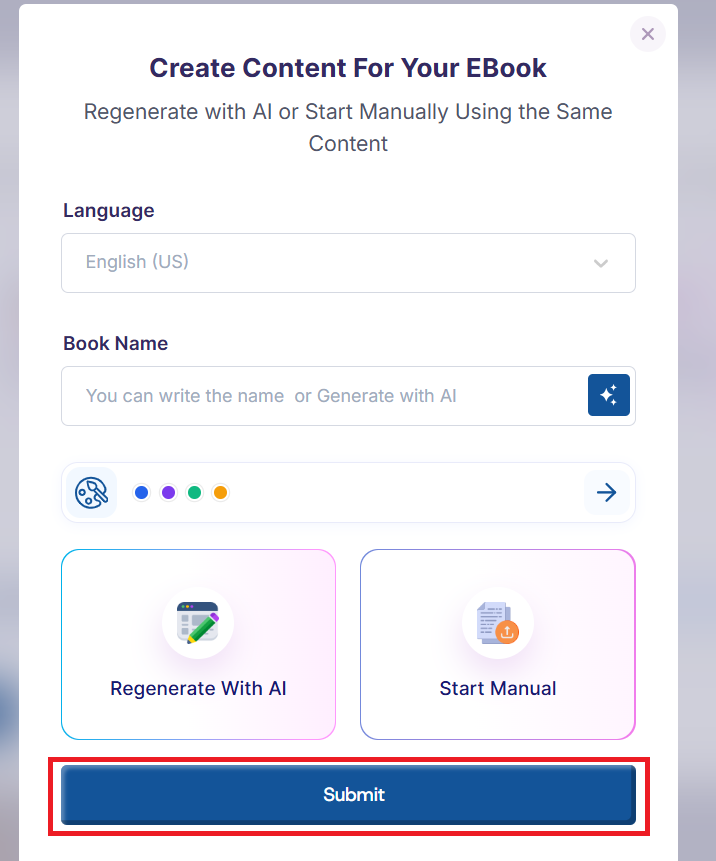
Then click on the Submit button to load your project to the editor
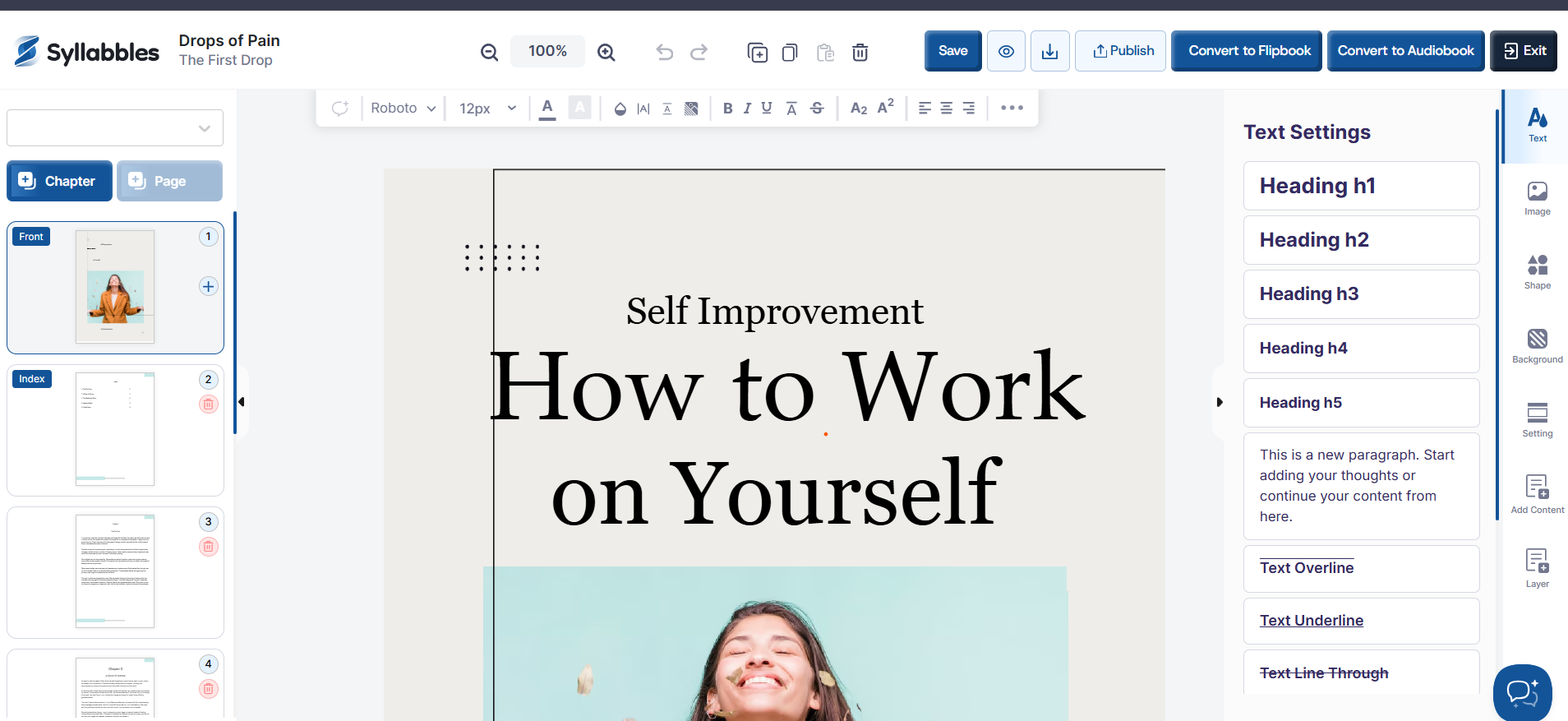
The eBook will then be loaded into the editor, where you can continue customizing it by editing the text, adjusting the layout, adding images, and refining the design to suit your needs.