How to generate content with AI
Generating content with AI in Syllables makes creating text fast and effortless. This tutorial will guide you through the steps to use AI for producing content that fits your project.
From the Dashboard click on the Create New button.

OR
Select one of the content type to start creating

Click on the AI Writer button to generate the content with AI

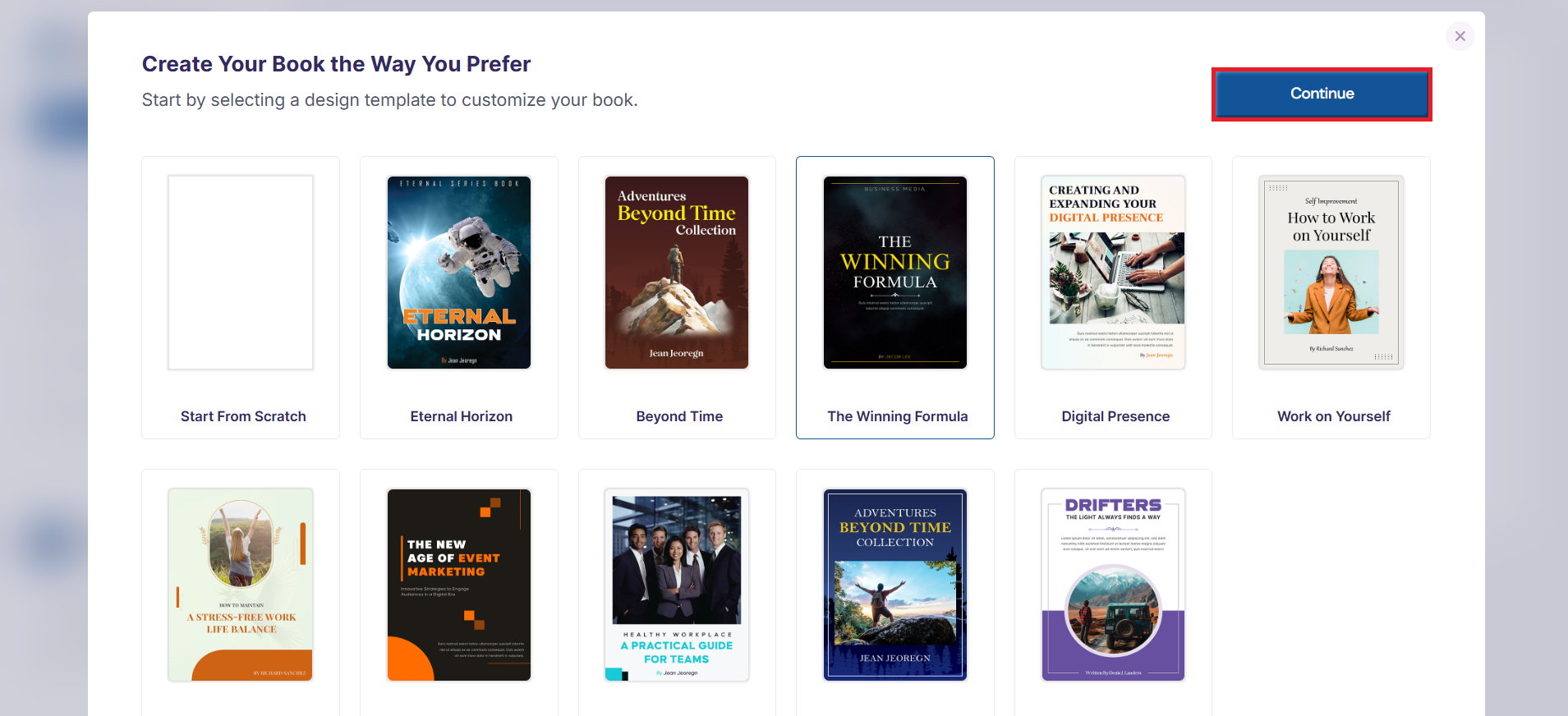
You'll be required to select one of the templates or create a book from the scratch.
After you've selected any of the templates, click the Continue button, then a pop-up would appear.
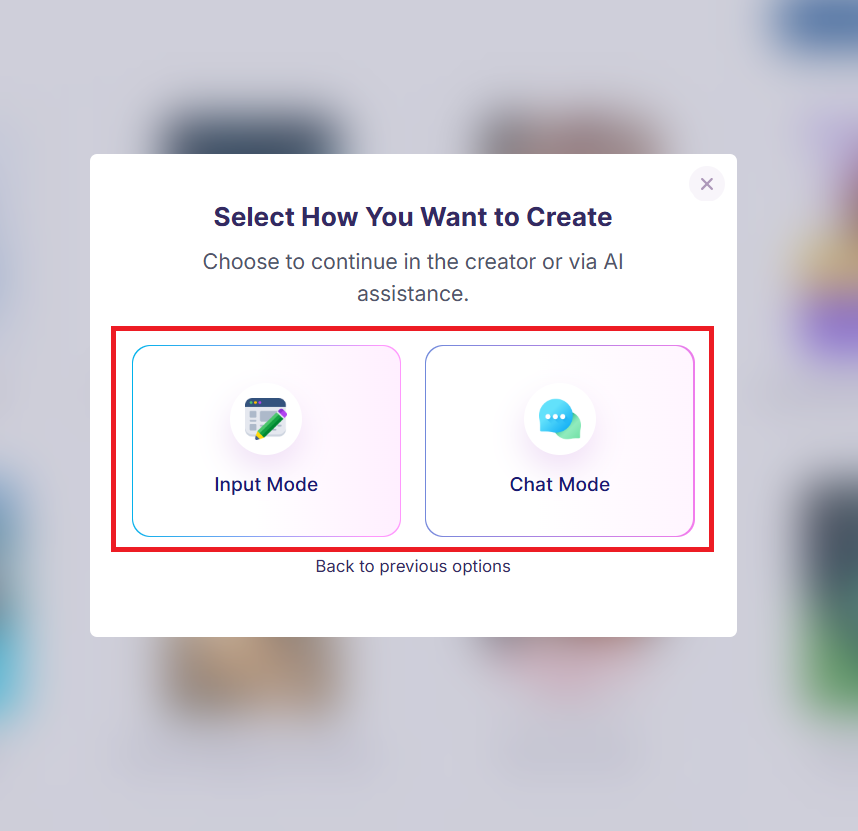
After selecting a template, you'll be required to select how you want to create, either through input mode or through chat mode.
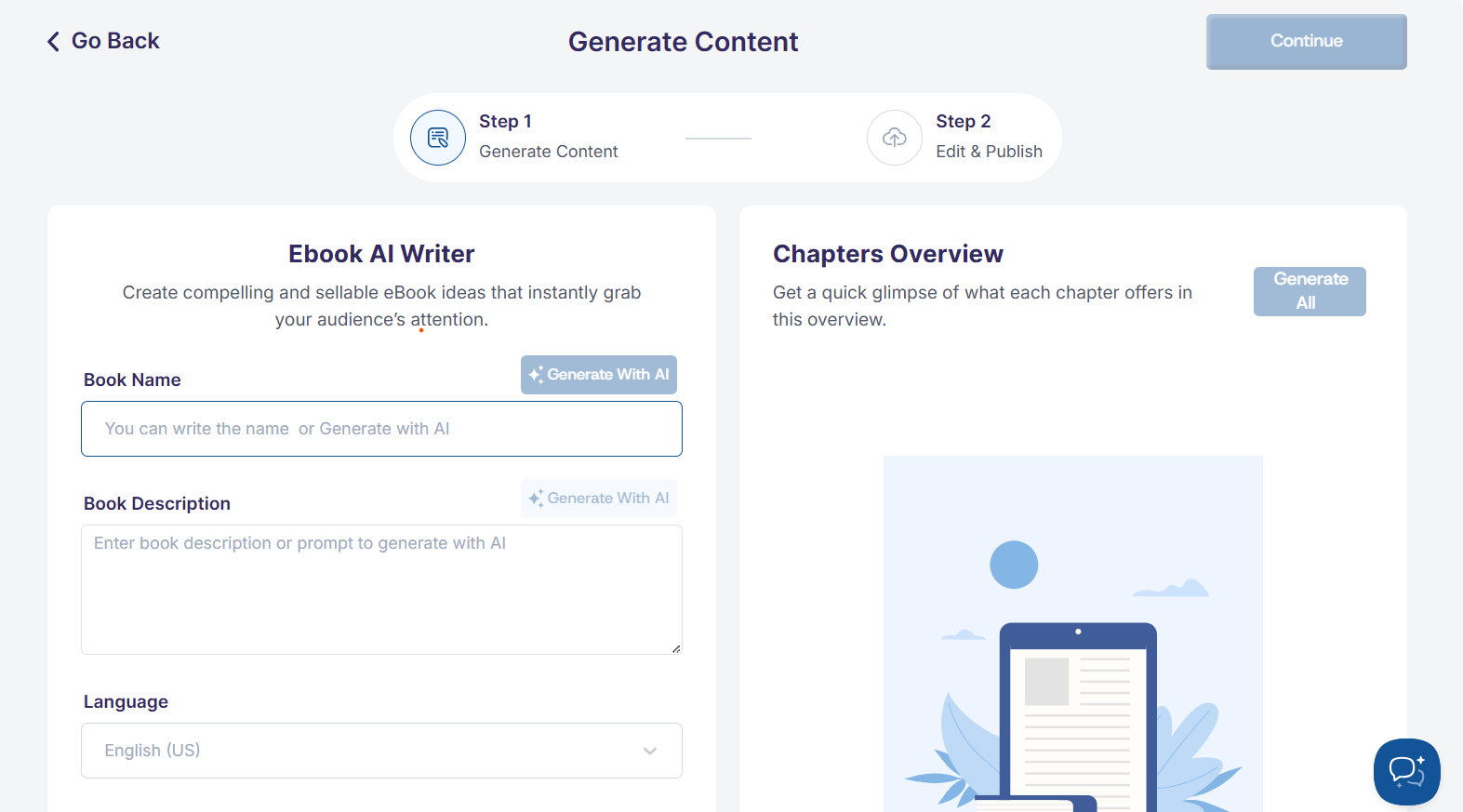
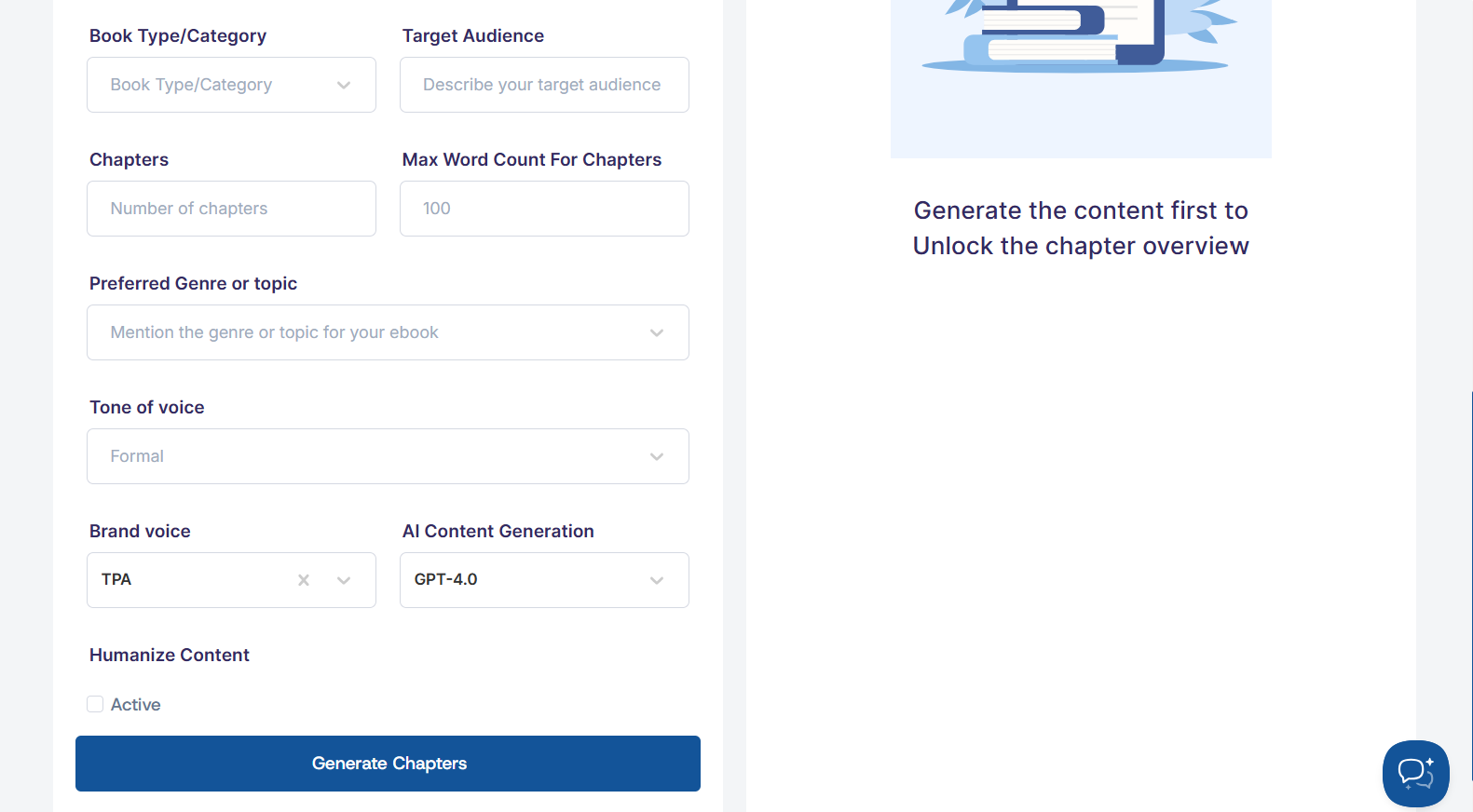
If you select the Input Mode. Then, you'll be required to fill in the prompts for the required fields.
- Enter your Book Name (the title of the book)
- Add a Book Description (what the book is about)
- Select your preferred Language
- Choose the Book Type or Category
- Describe your Target Audience
- Enter the number of chapters and the word count per chapter
- Choose your preferred Genre and Tone of voice
- Select your Brand Voice and preferred AI
- Choose whether to humanize the content
Once done, click the Generate Chapters button to create your chapters.
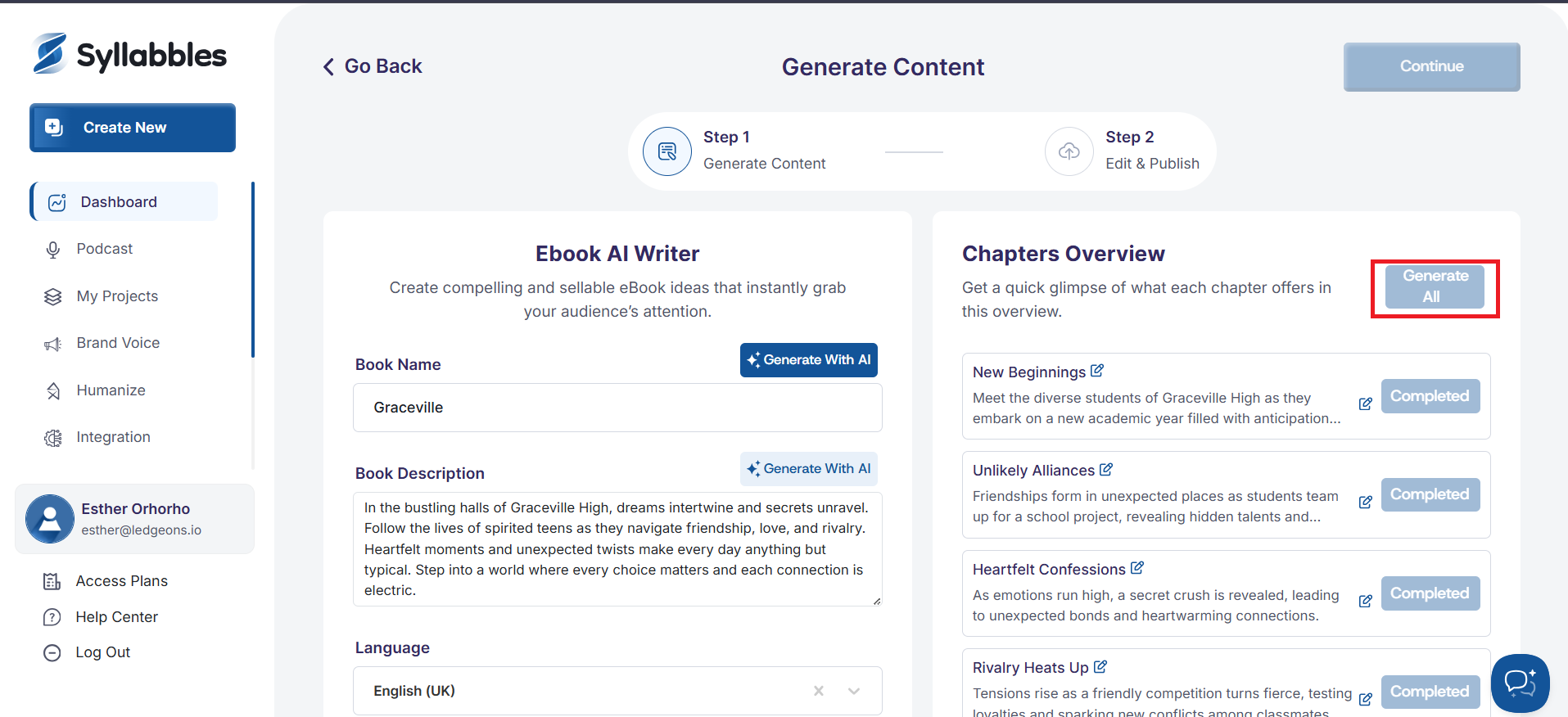
The Generated chapters shows in overview to give you a quick glimpse of what each chapter offers. Click on the GENERATE ALL button to generate all chapters.
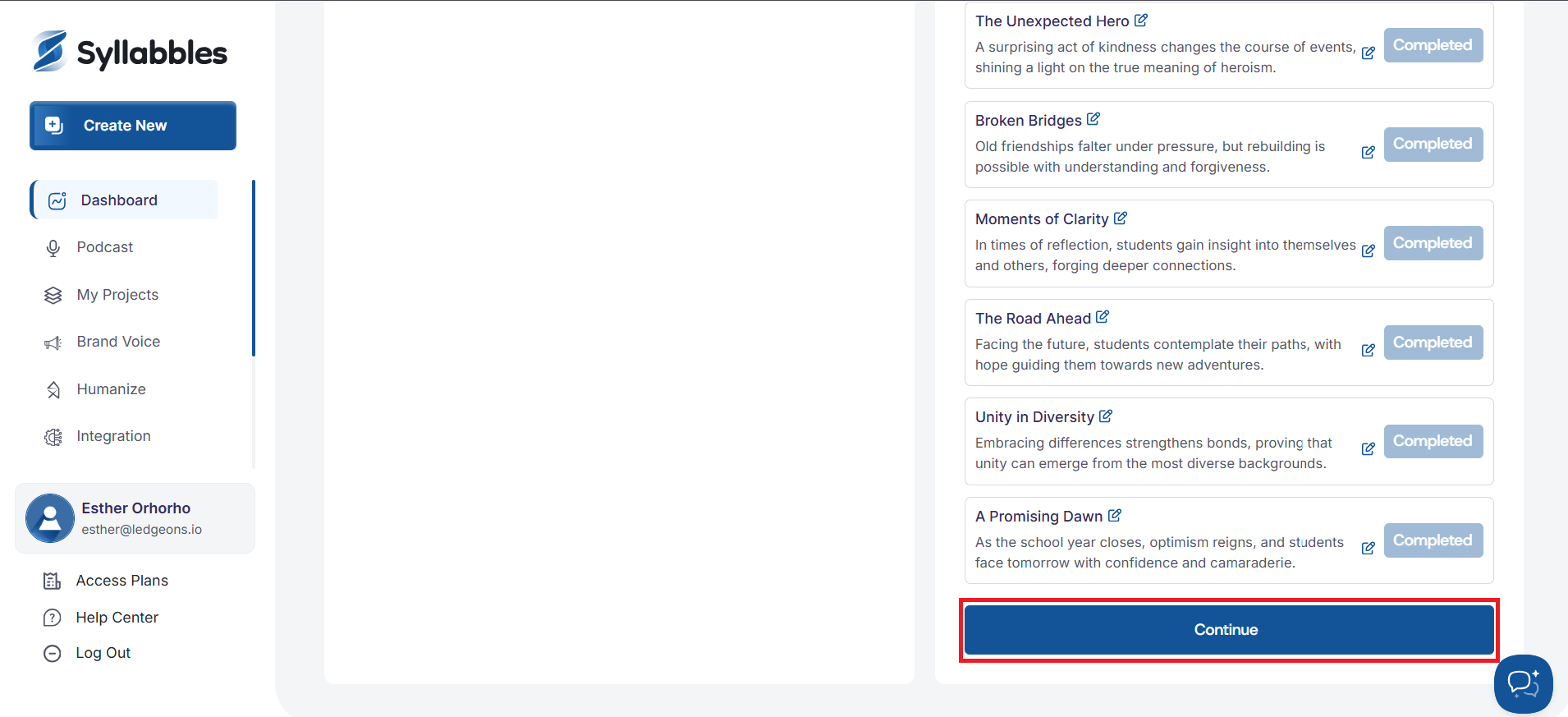
After the chapter generate successfully, click on the Continue button to load the editor
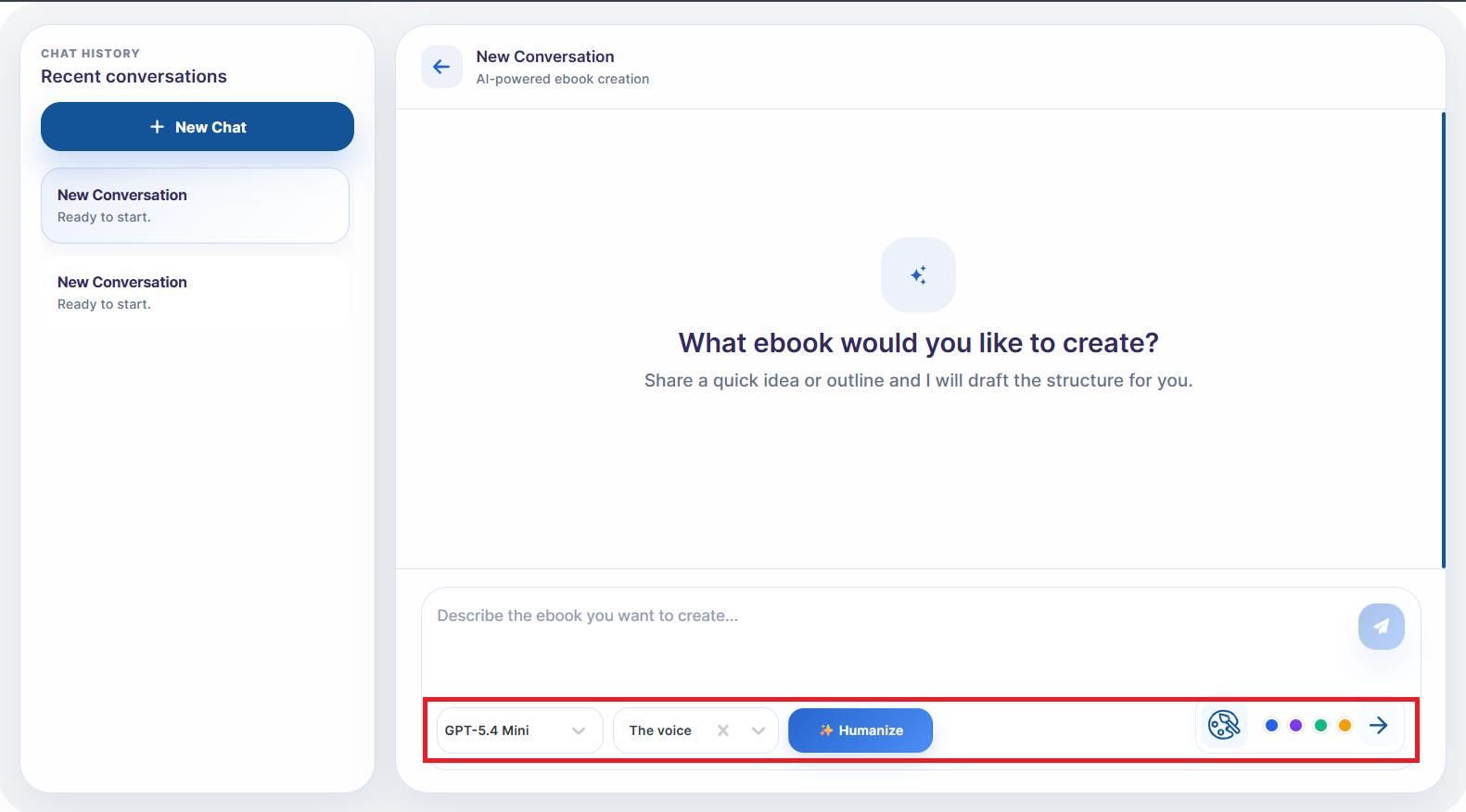
If you select the Chat mode, you'll be required to describe the book you want to create in the chat
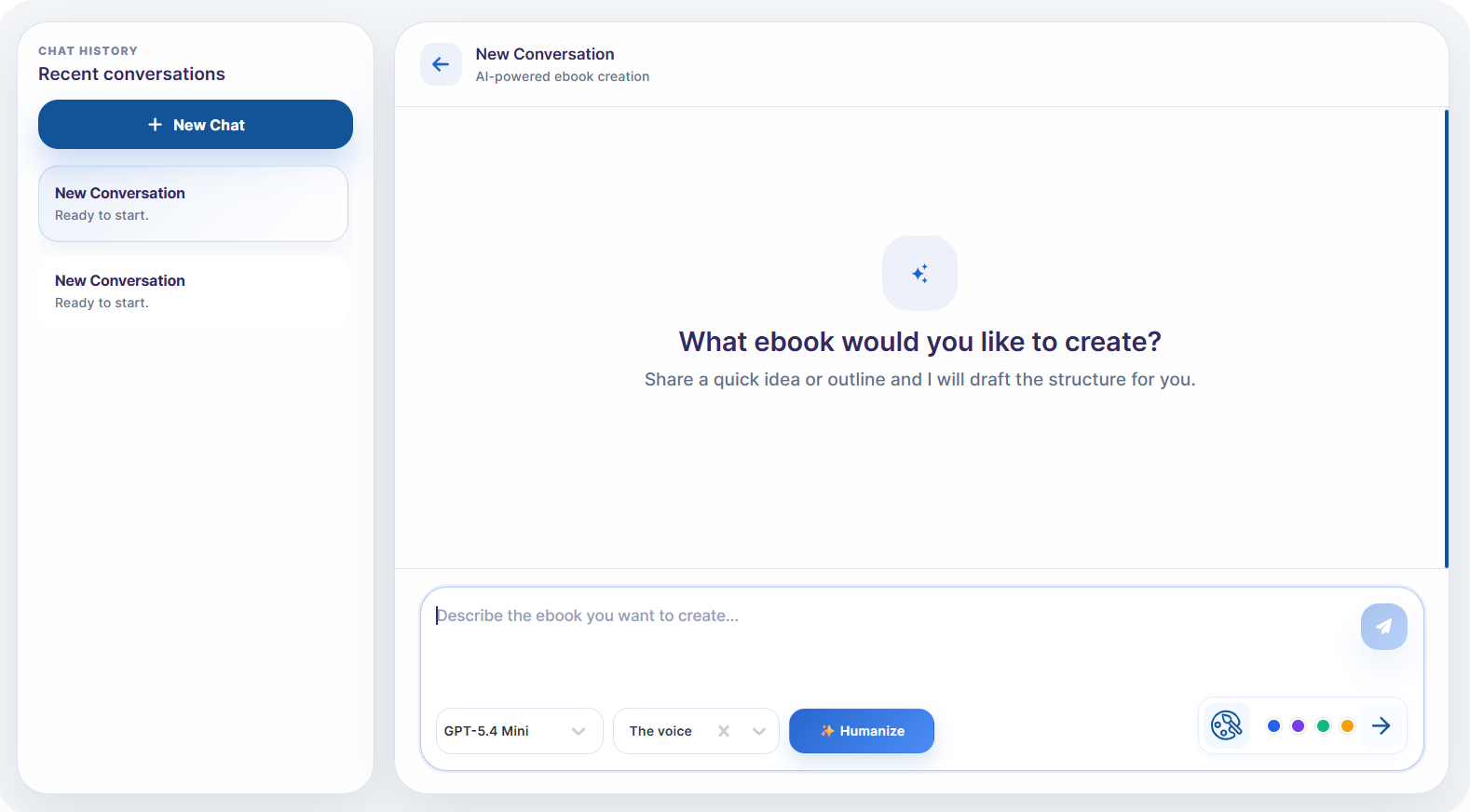
You can also select the AI model you'd like to use, select your brand voice, choose to regenerate a response and also brand color
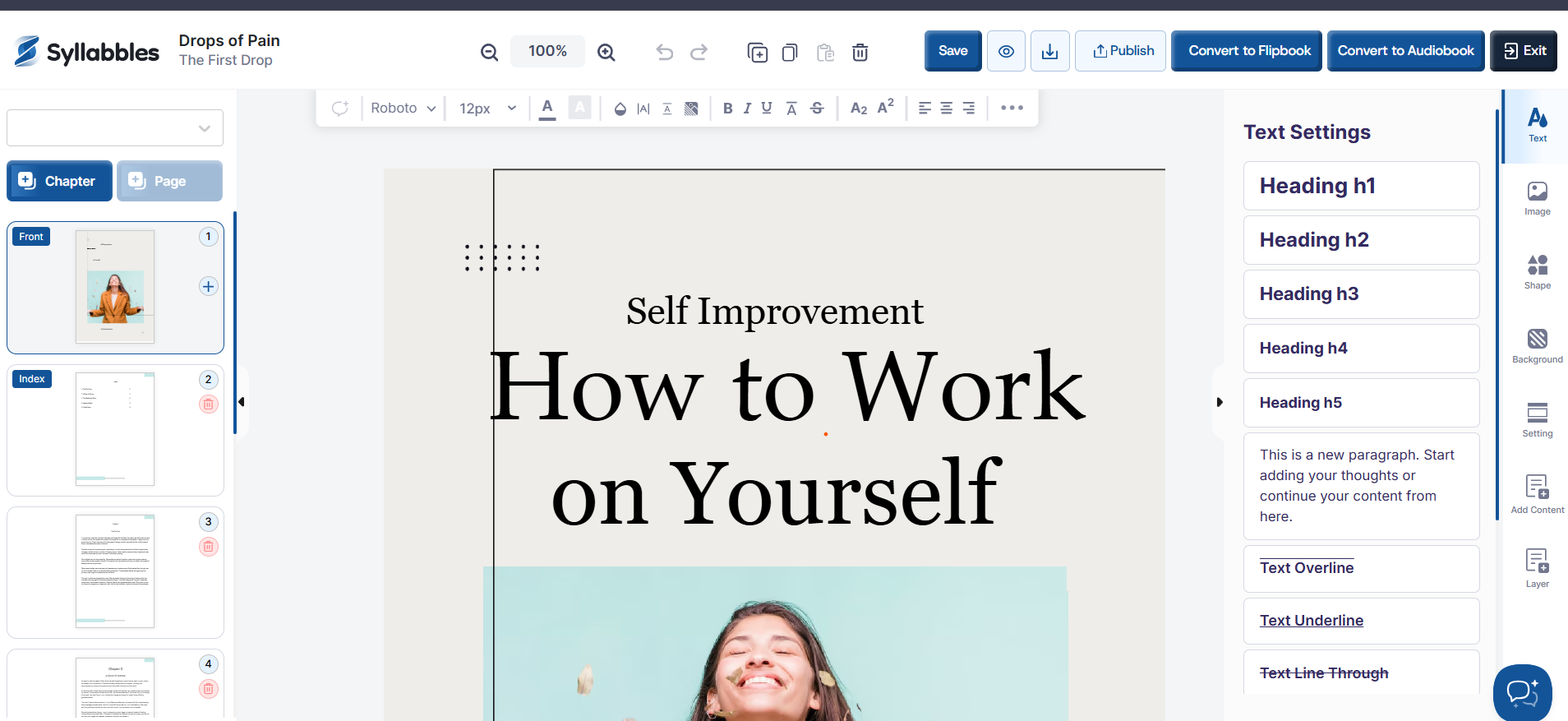
After you have generated your project to load it to the editor, the eBook will then be loaded into the editor, where you can continue customizing it by editing the text, adjusting the layout, adding images, and refining the design to suit your needs.