Header footer frame templates
In Syllabbles, header and footer frame templates help you maintain a consistent and professional look throughout your project. This tutorial will show you how to add and customize them easily.
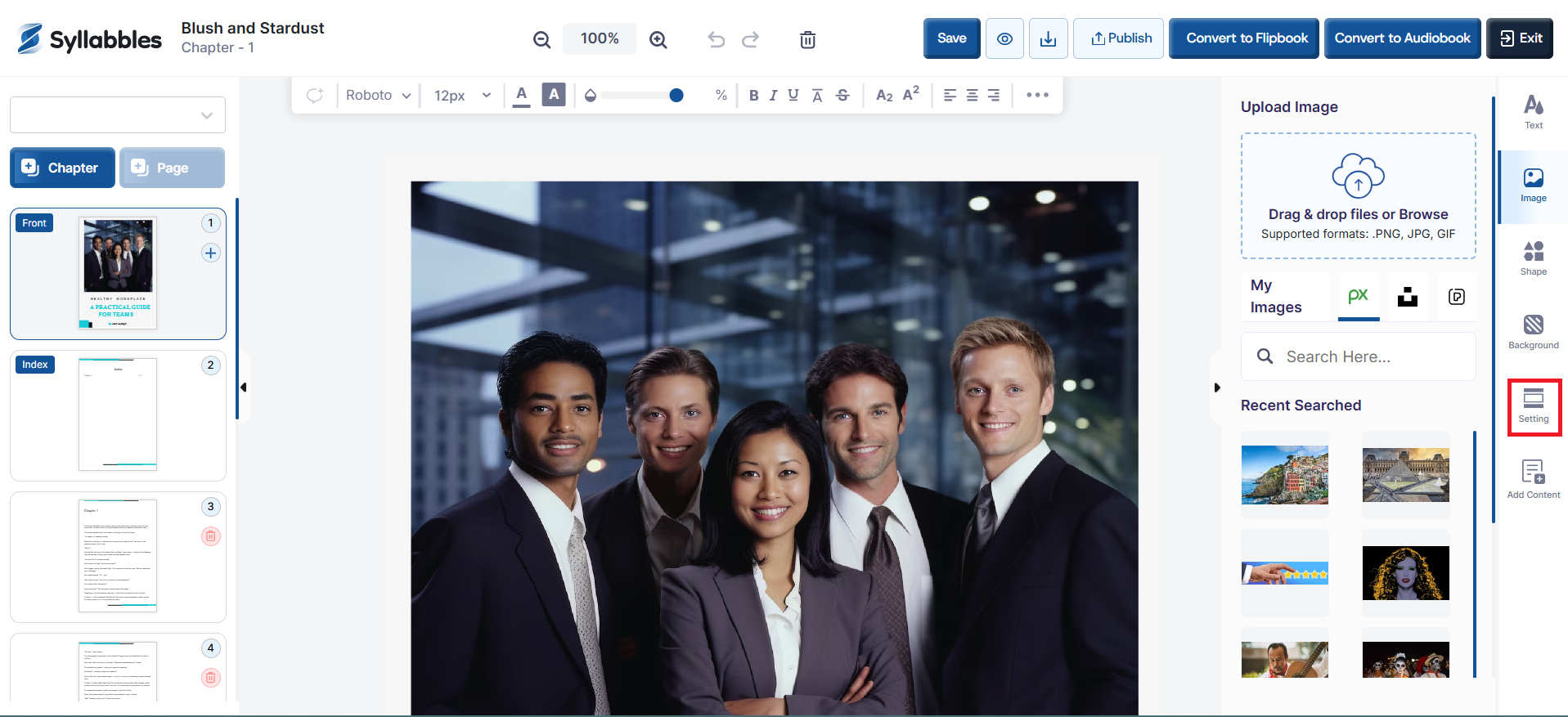
After your project has been loaded to the editor, click on the Setting icon on your right.
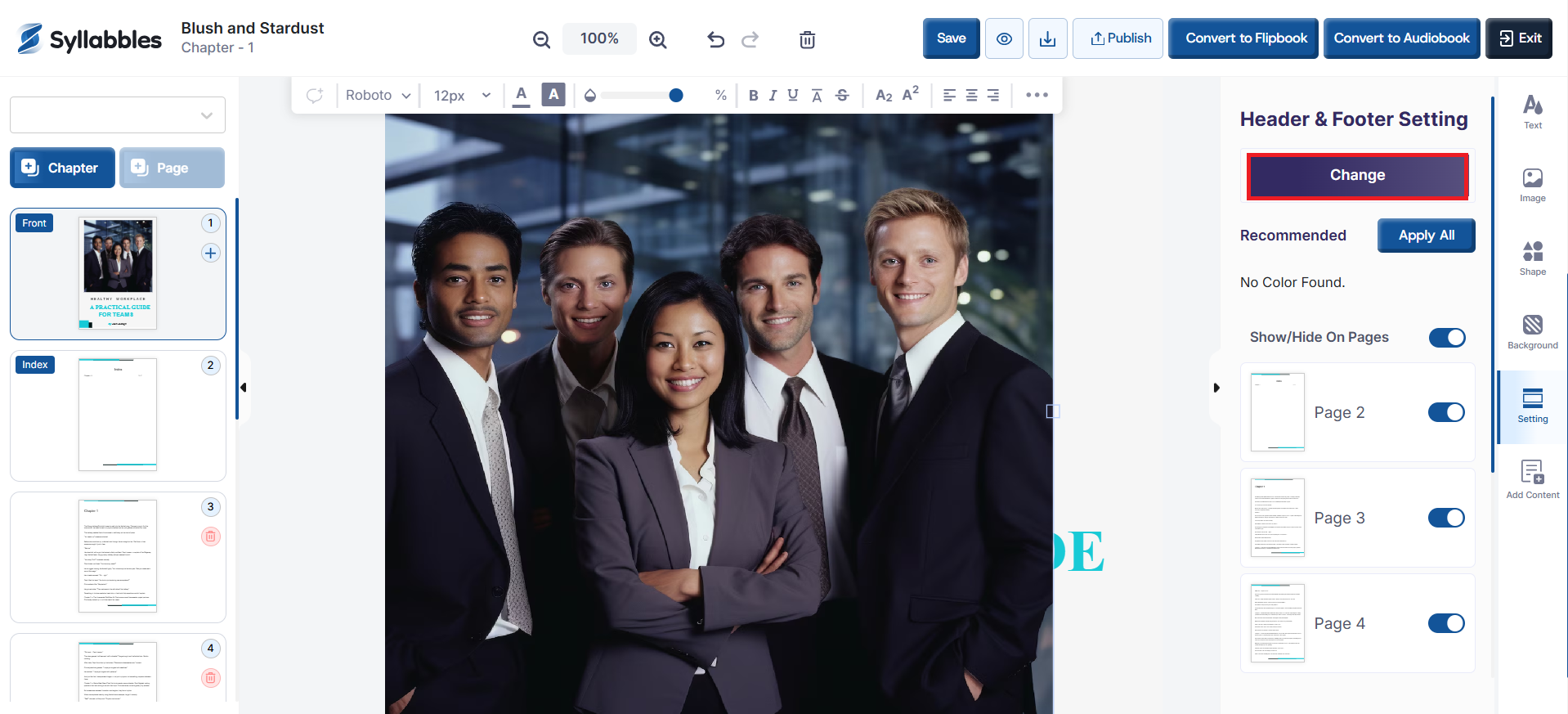
Click on the Change button if you want to select another header and footer template for your project.
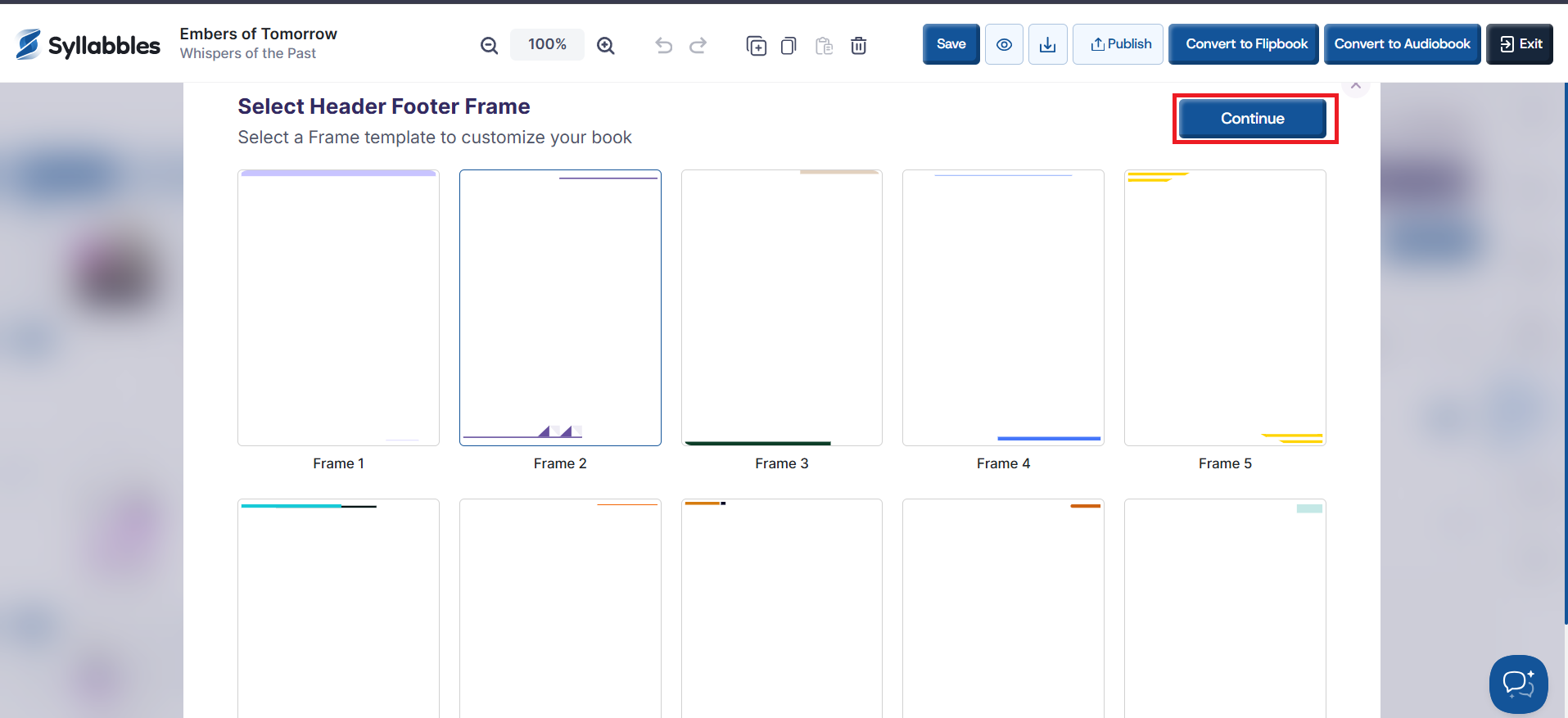
Select one of the available header footer frame and click on the Continue button
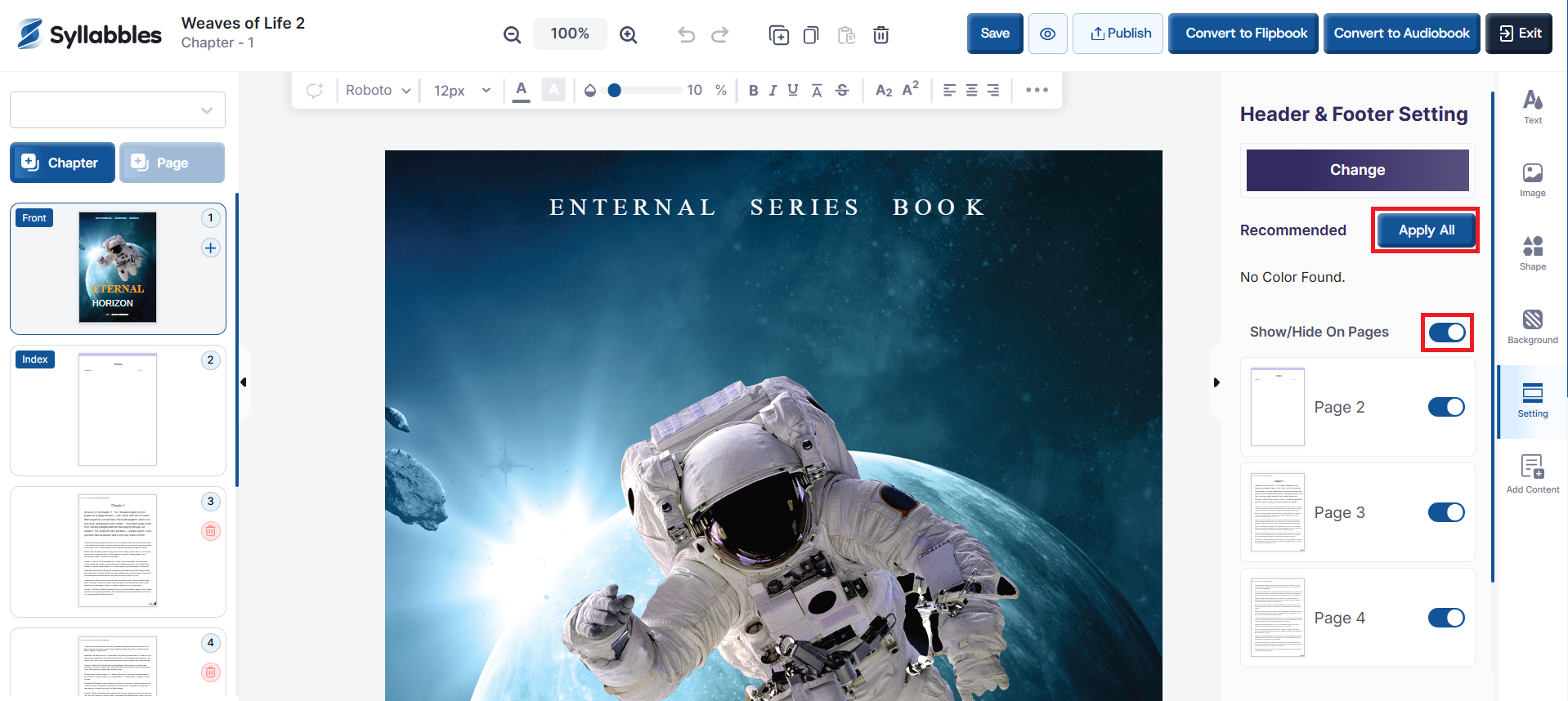
If you choose to use the same header and footer through out the project, click on the Apply All button, else toggle off or on, the pages that you'll love to have that template.
You can also tun off the option to have header and footer in your project using the "Show/Hide On Pages" option.