
How to preview and use book templates
In Syllables, book templates help you save time by giving you ready-made layouts and designs. This tutorial will show you how to preview templates and use them to start your project quickly.
How to preview book templates
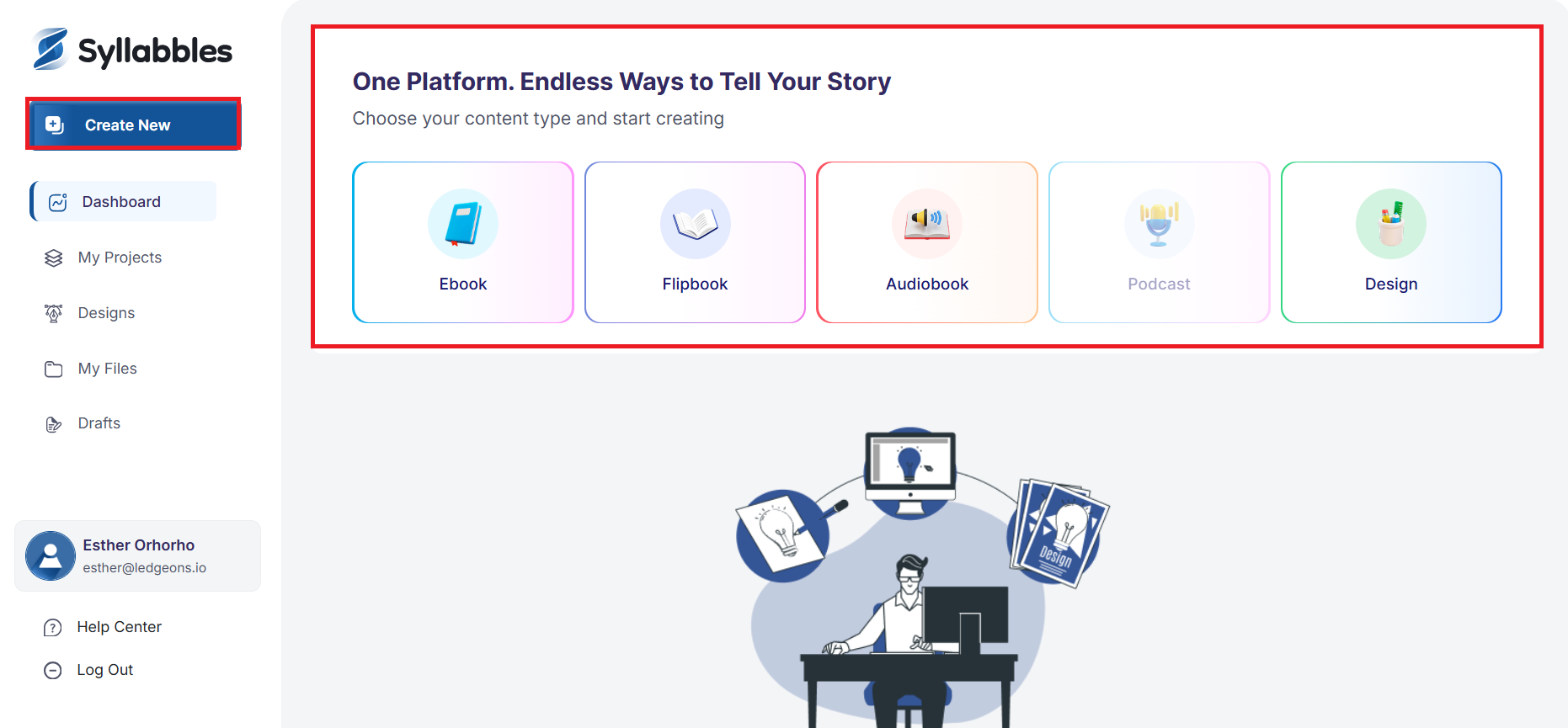
From the Dashboard, click on the Create New button
or
Select Ebook or Flipbook from the content type available on the dashboard.
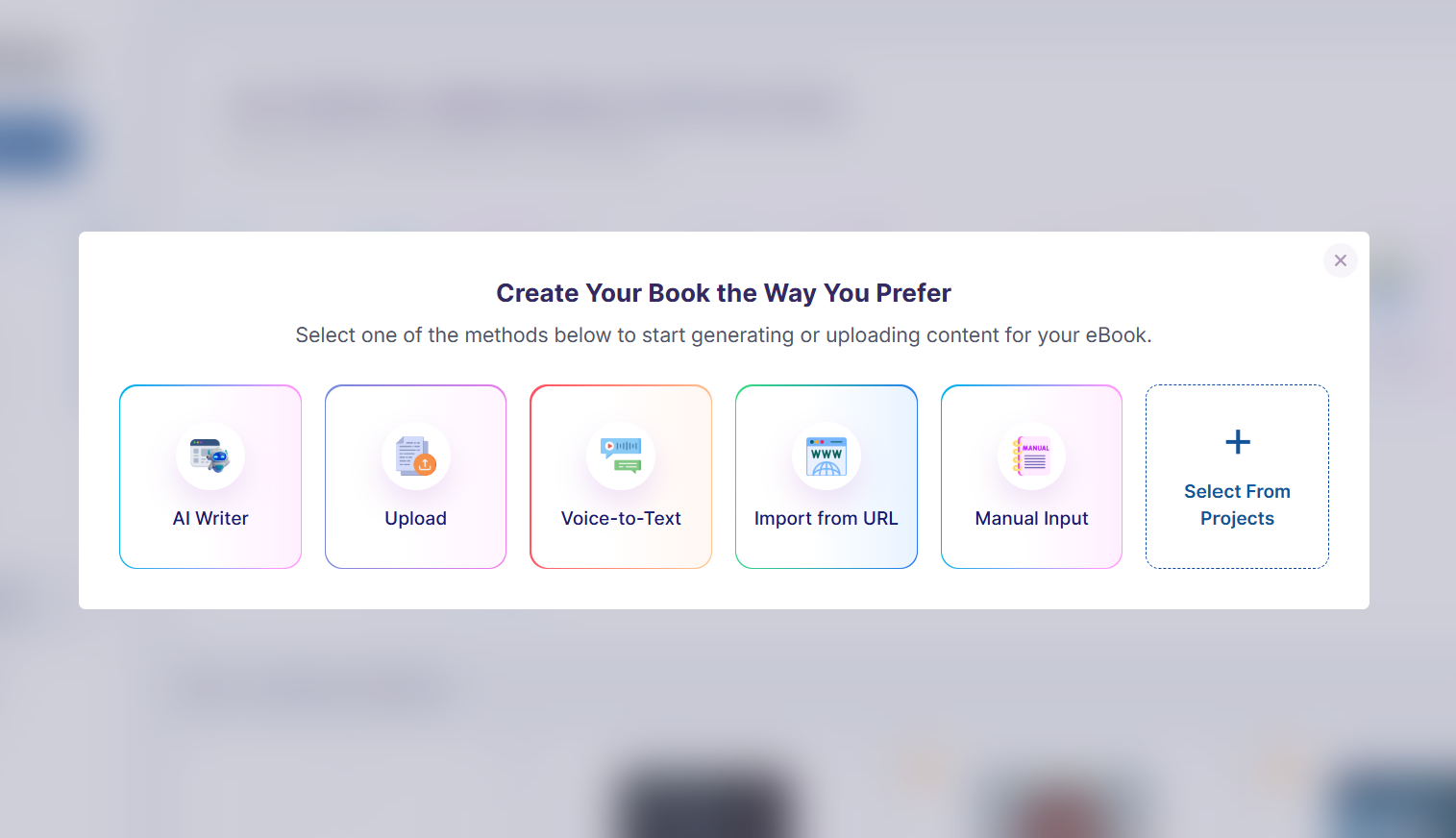
Choose the method you’d like to use to create your book.
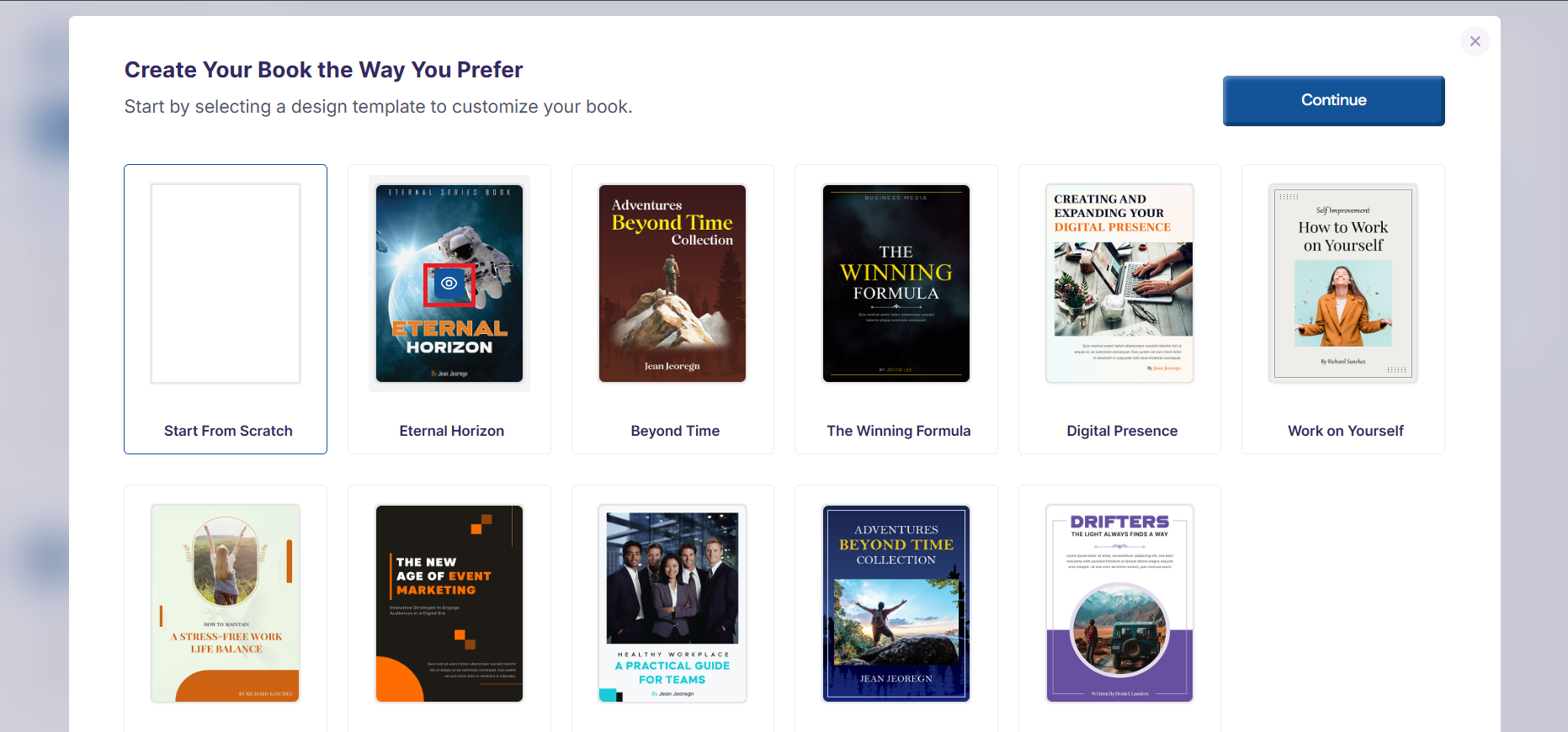
Then, hover over the template you'd love to use and a preview icon would appear, click on the preview icon to preview the template.
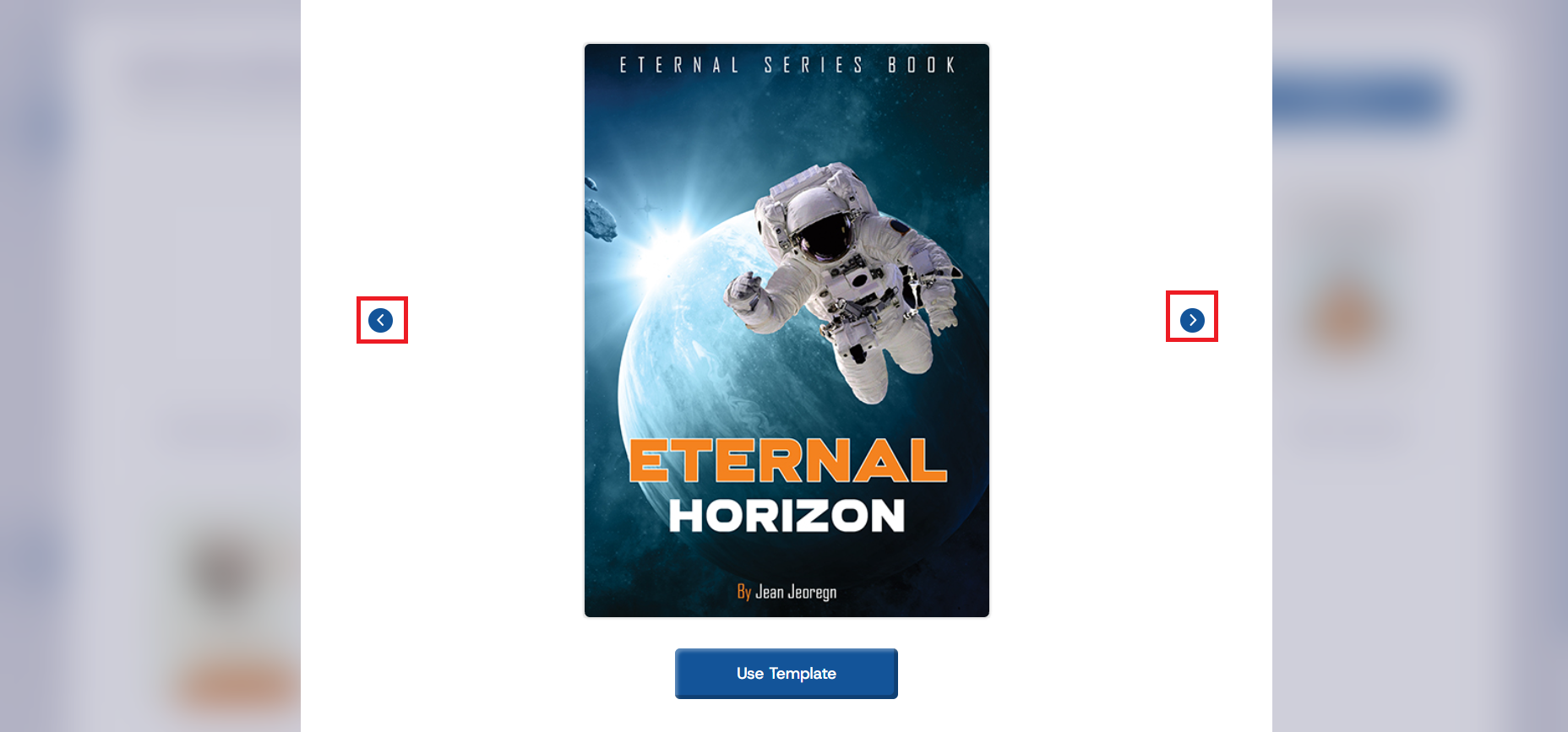
Swipe through the pages to preview the book template or click on the forward and backward arrow
How to use book templates
After you preview a book template and you decide to use it, click on the Use Templates button and the template would successfully load into your project.