How to manage account profile
Managing your Syllables profile is easy. This guide will show you how to update and customize it.
Follow these steps to edit name and email, and to add/change profile picture
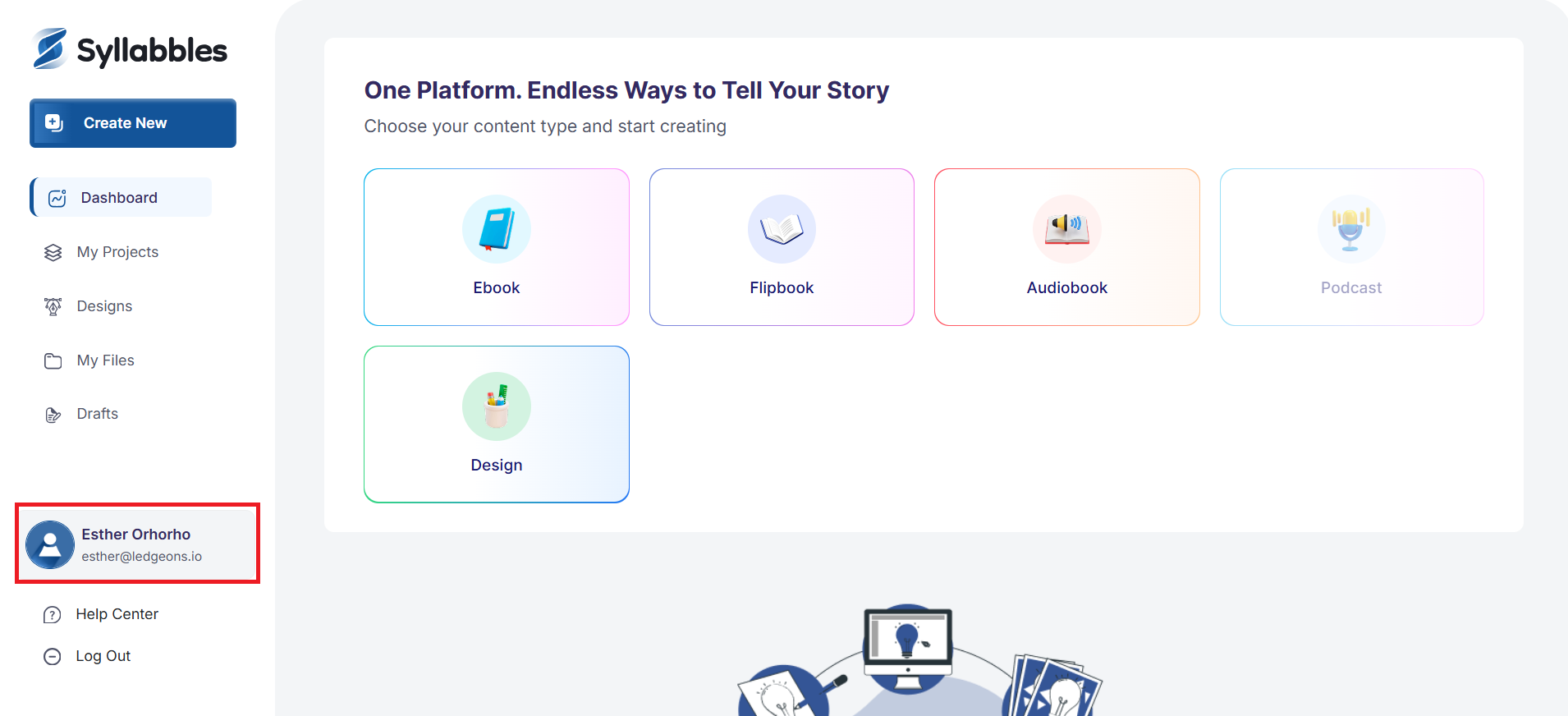
Click on the highlighted box below to access the account settings
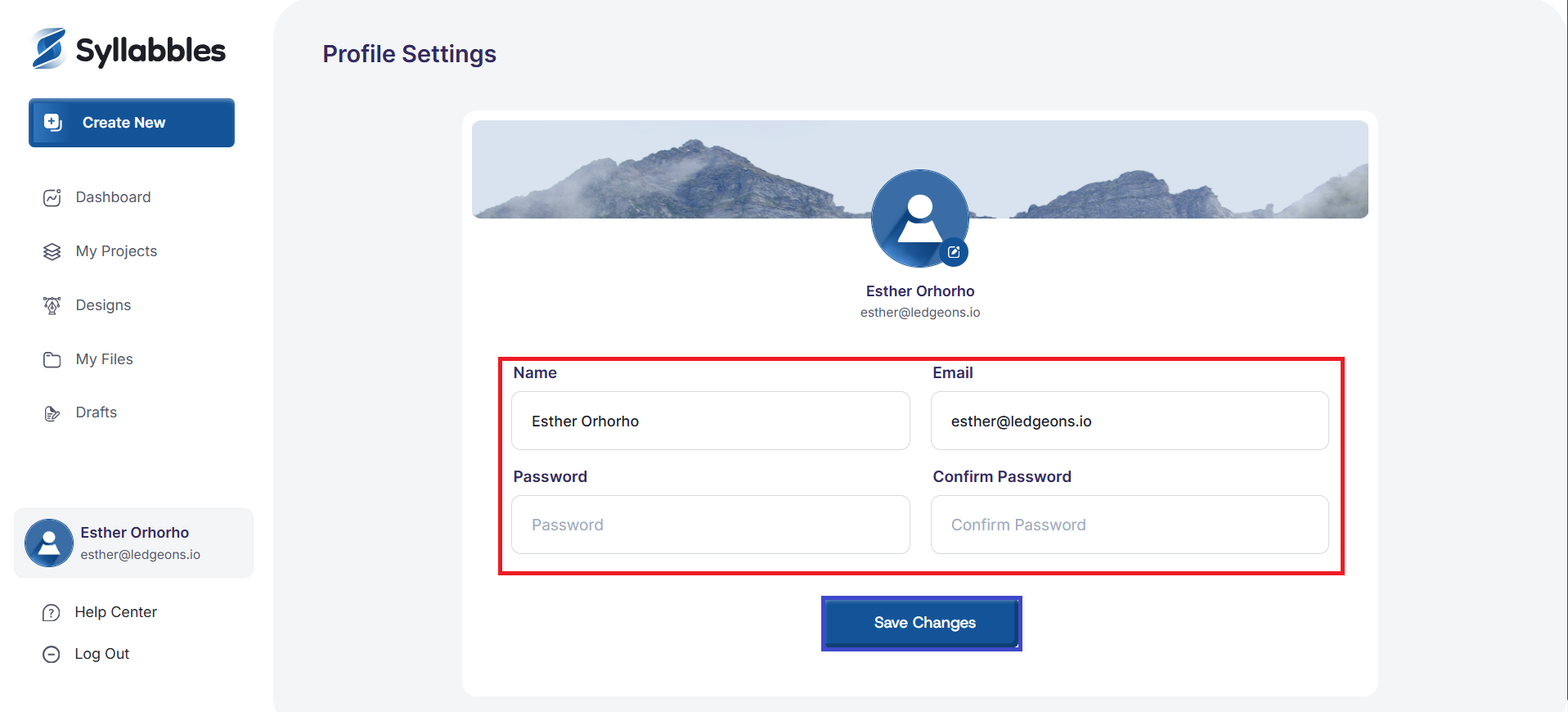
On the profile page, you can edit your Name, Email Address, and the password.
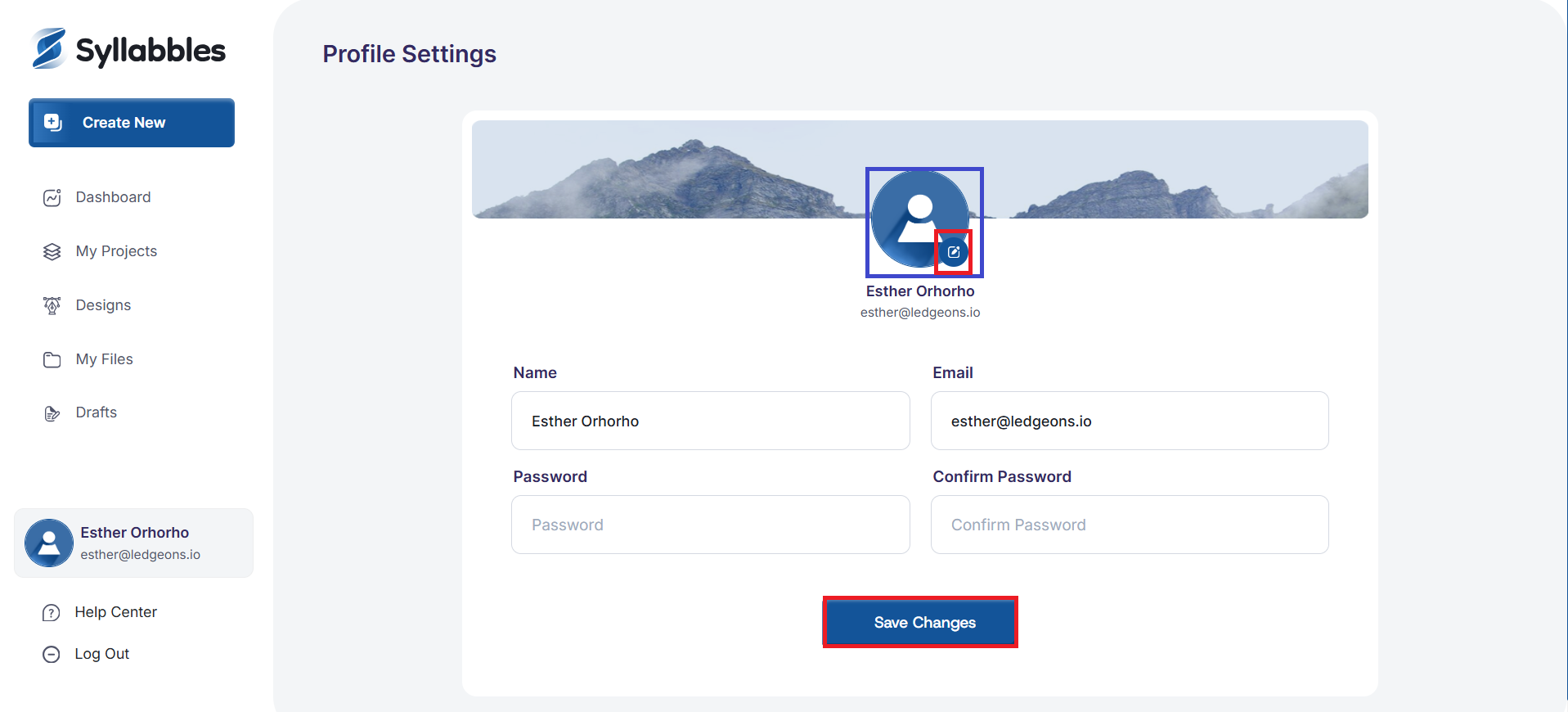
You can also add/change your profile picture by clicking on the edit icon to select a photo file from your device
Once you're done, click the Save Changes button and your edits will be saved.