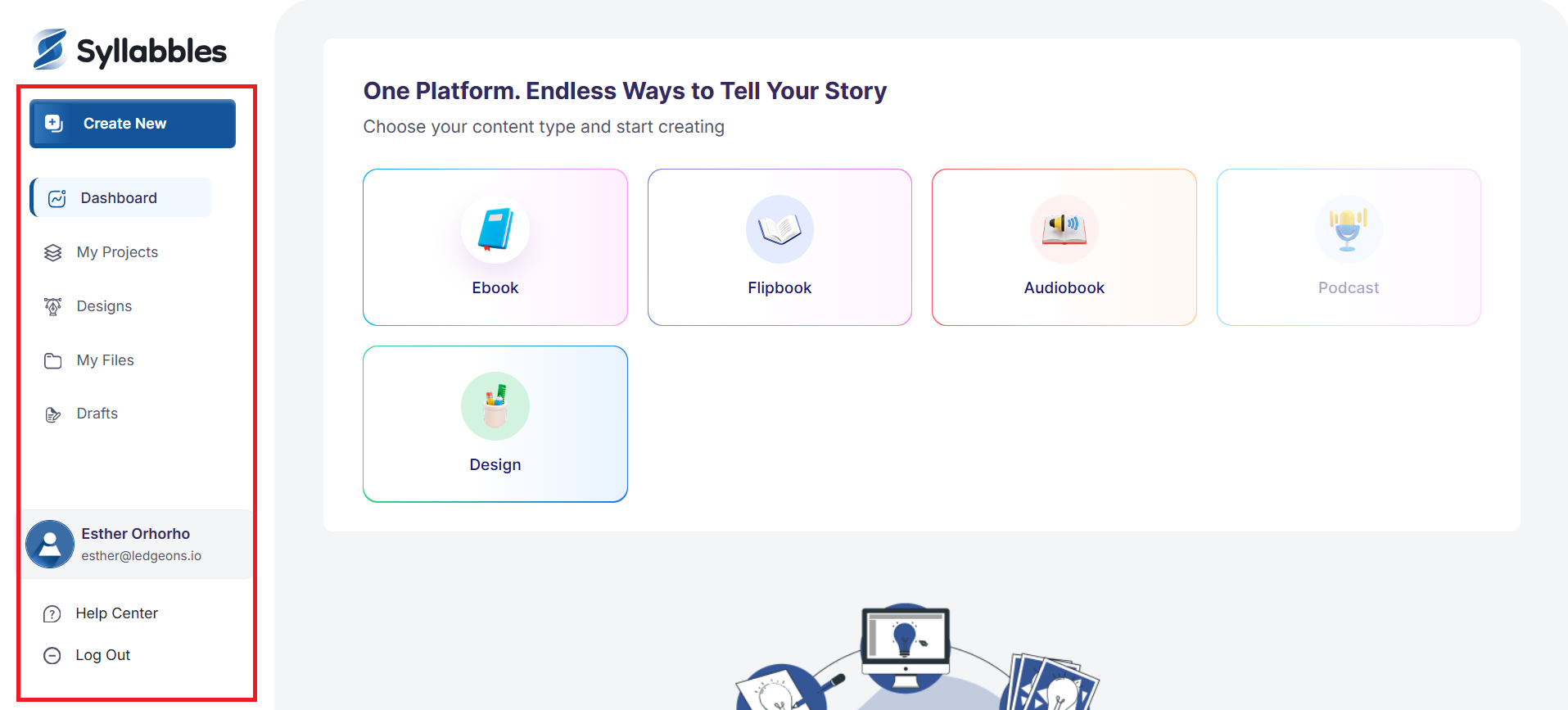
Account overview
Once you log into Syllables, you will be taken to the dashboard.
The Dashboard is the first place you see after you login successfully
This is what the dashboard looks like.
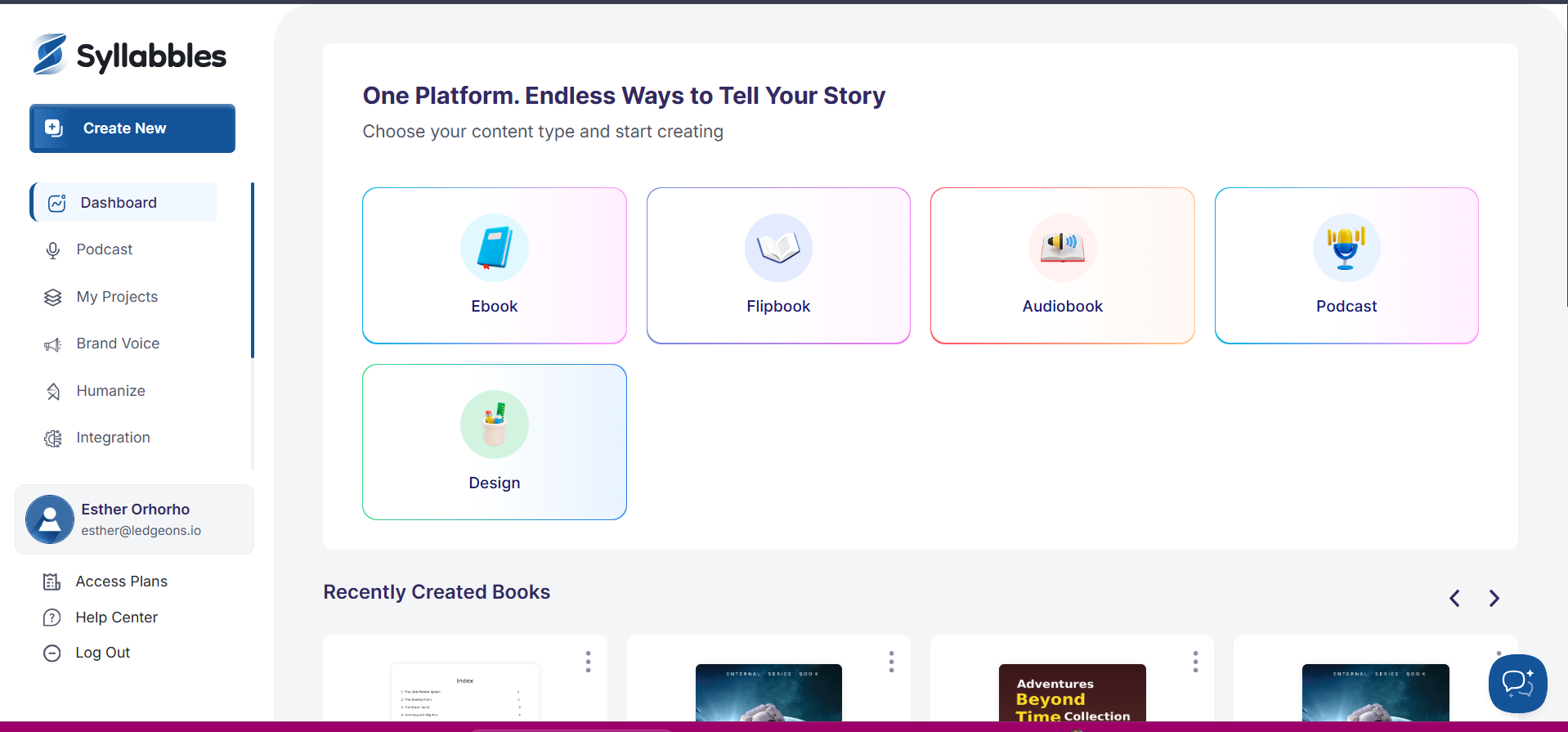
You can create a New Project in two ways:
First, click on the Create New button at the top left.
Second, click on any of the project options from the Dashboard.

On the left side of your dashboard, you’ll find menu links. Each link opens a page or feature that helps you perform tasks, as its name describes.